
 Home
 User Guide
 Developers
 Payment Gateways
 Integrations & Tools
 Site Usage
 Troubleshooting
Prepare product information
Select the product category. General Add the name, slogan, short information and visual that the customer will see on the tab.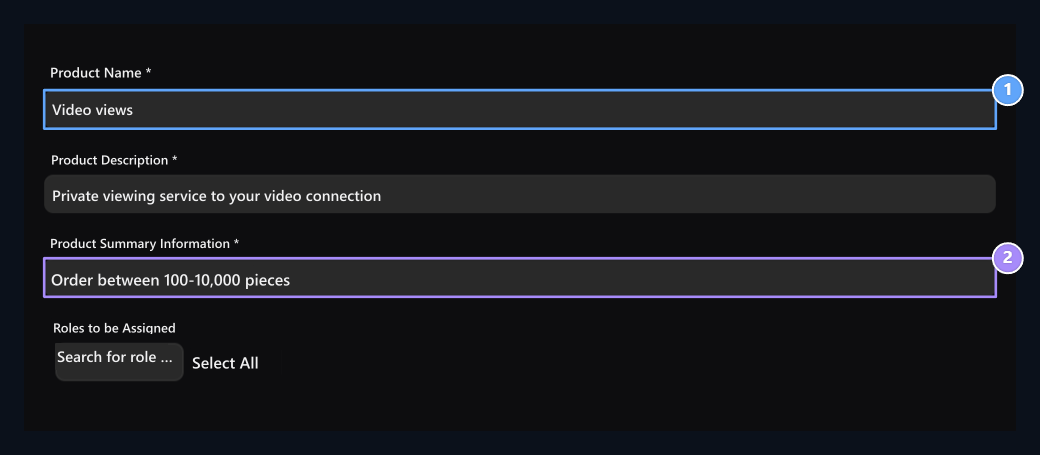
1. Product name
Type the service name that the customer will see.
2. Short information
Briefly explain the scope of the service.
Product description area
Product description area
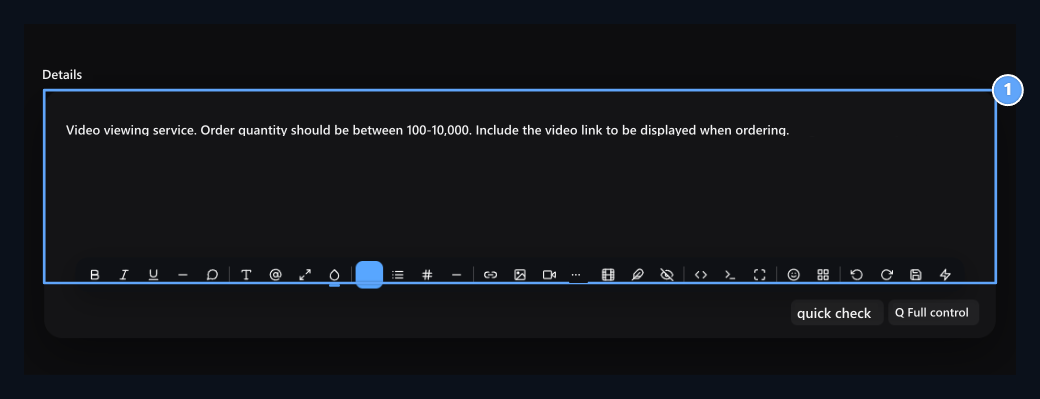
1. Product description
Type the service scope, connection and quantity conditions.
Select Provider service
- Service type in the field Provider Select.
- Provider Select the provider you add from the list.
- Service Select the service you will sell from the list. See the service number if there are similar names.
- From selected service minimum and maximum Check order quantities.
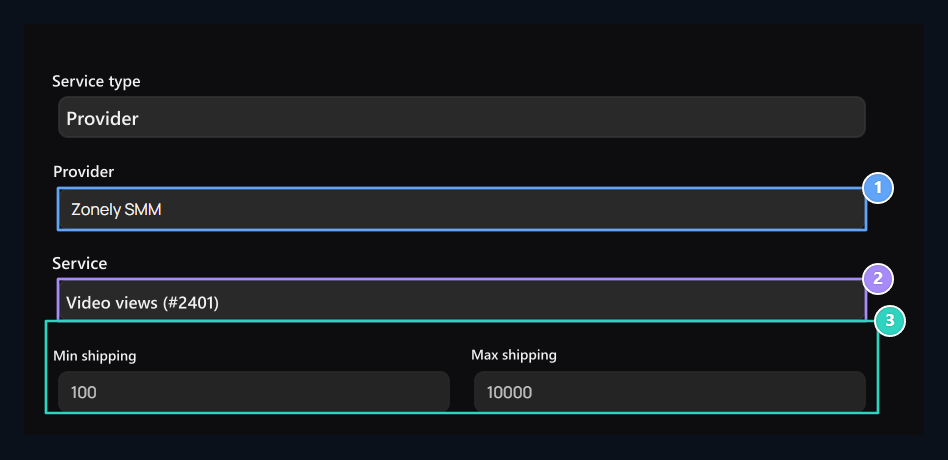
1. Provider
Select your service type Provider structure and panel.
2. Service
Select the service to be sold.
3. Quantity limits
Check the bottom and upper limits of the service.
Service type in the field Manual If you choose provider and service connection areas are not used.
Select the price of the sale
Price Type the amount you will offer from the tab to the customer. Complete discount price and time conditions if you are going to be discounted.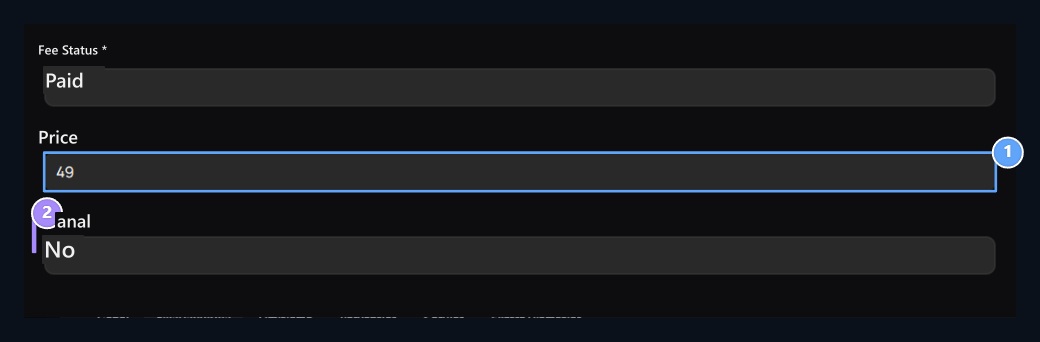
1. Sales price
Set the amount you will offer to the customer.
2. Discount
Enter the price and time conditions with discounts.