
 Home
 User Guide
 Developers
 Payment Gateways
 Integrations & Tools
 Site Usage
 Troubleshooting
Prepare card
General on the tab Scratch Card Name fill in the area. Pricing Select free or paid use from the tab; complete the price area opened in the paid selection.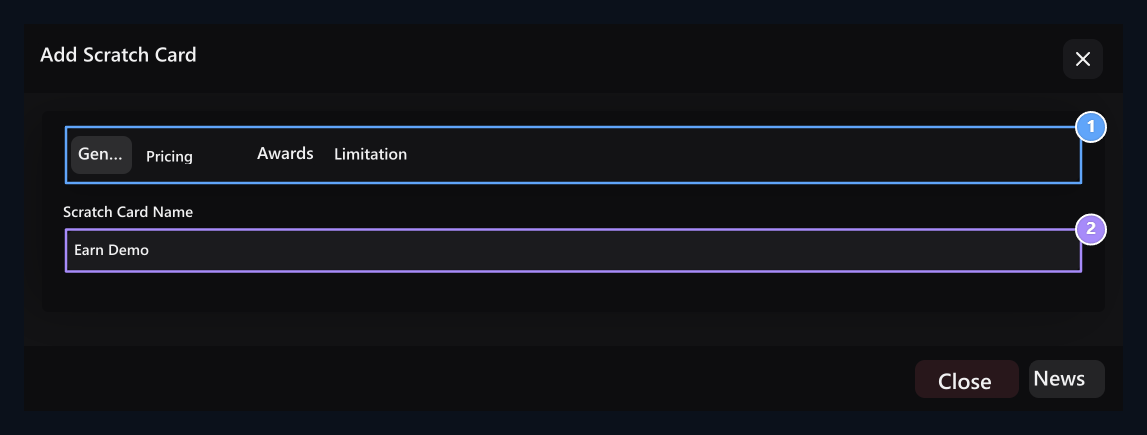
1. Four tabs
Edit price, rewards and limits from separate tabs.
2. Scratch name
The name of the card user selects.
Select Awards and Rates
Awards → Add Prize Create result lines with. Type and Winning Rate Select value.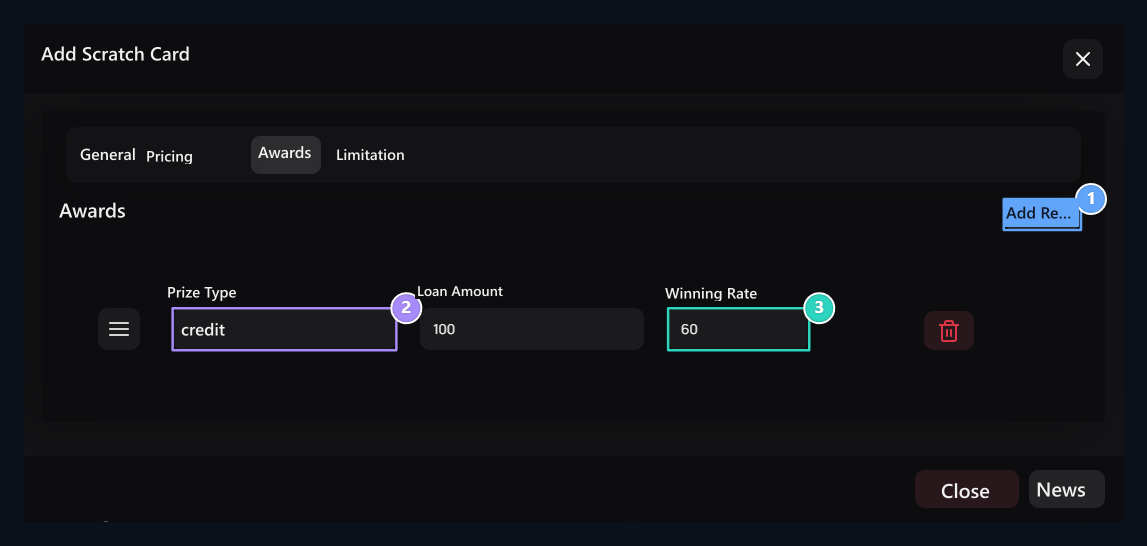
1. Add Reward
Add results that can be shown at the end of digging.
2. Credit, Product, Command
The quantity, product or server areas are opened according to the selected type.
3. Gain rate
Enter the rate of the ender; check with the reward list on the user side.
Command Award Add Server Select the link with and fill the command lines. You can sort out the rewards handles, delete the line related to the lifting button. Check rates with the pool.
Set the limits of playing again
Limitation On the tab Waiting Time and Usage Limit fill in the fields. The wait determines the range that the user can play again. Use limit 0 If you leave the number limit is not applied.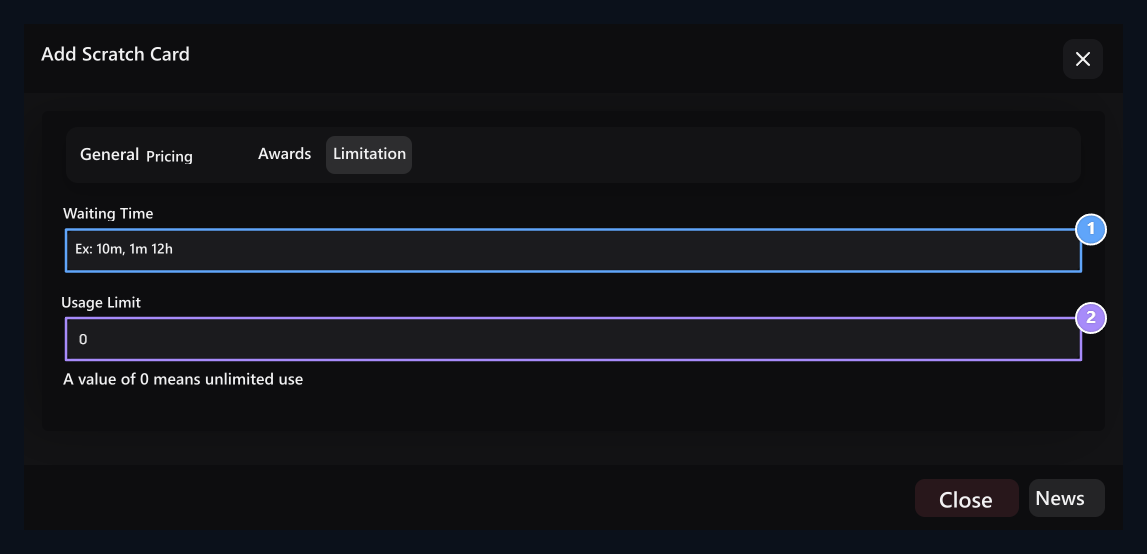
1. Standby time
Repeated usage range for next game.
2. Use limit
0 is unlimited; other values limit the number of openings.
How does the user card open?
User examines the cost, usage information and the status of playing again on the card. See Awards pool opens; Open a Scratch Card passes to the game window.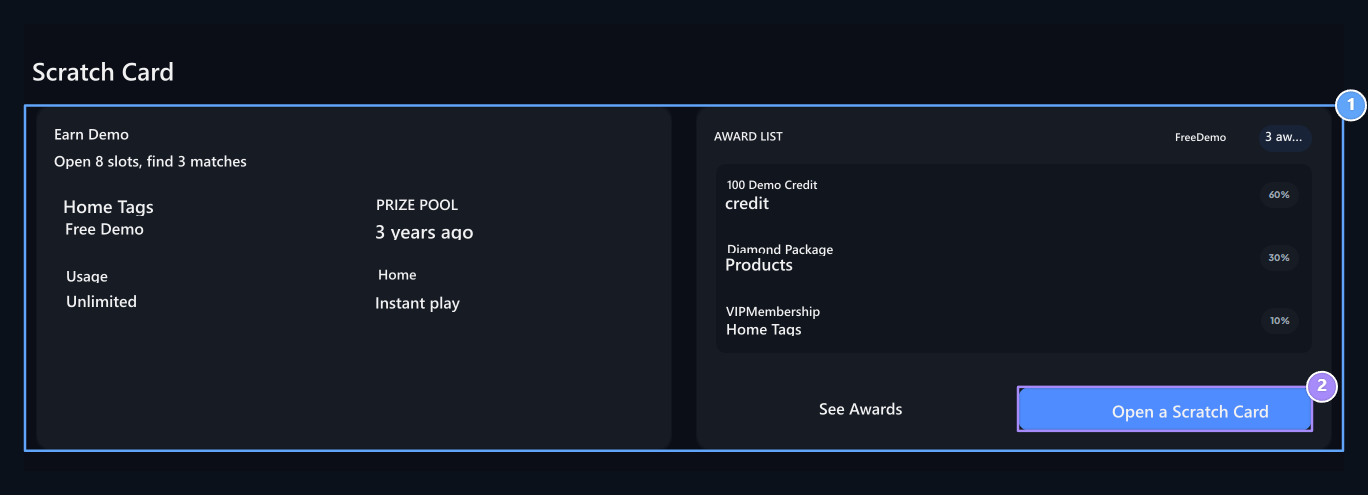
1. Card and rules
Check the fee, use and repeat usage information from the card.
2. Open Scratch
Go to the digging window.
1
Prepare the game
Login to your account. Balance, waiting time and right to use if appropriate in the game window excavation Press the button.
2
Scrap the coating
Print the mouse on the computer and drag it in the field. Make the same movement with your finger on the phone. The cell is completely visible when the enough partition is opened.
3
Check out the probe
Check out the reward notification when the results are opened. Check the current usage status for the game again.
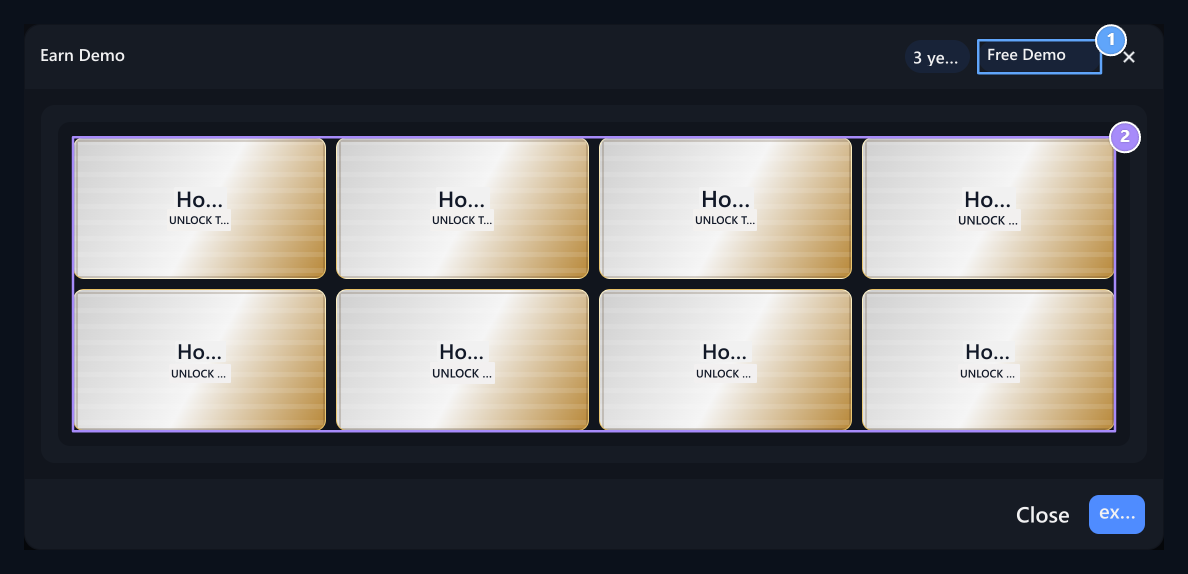
1. Fee information
Check the fee of the card you are playing from the top section.
2. Scraping areas
Hold the mouse and scrap the surface; drag the finger on the phone.
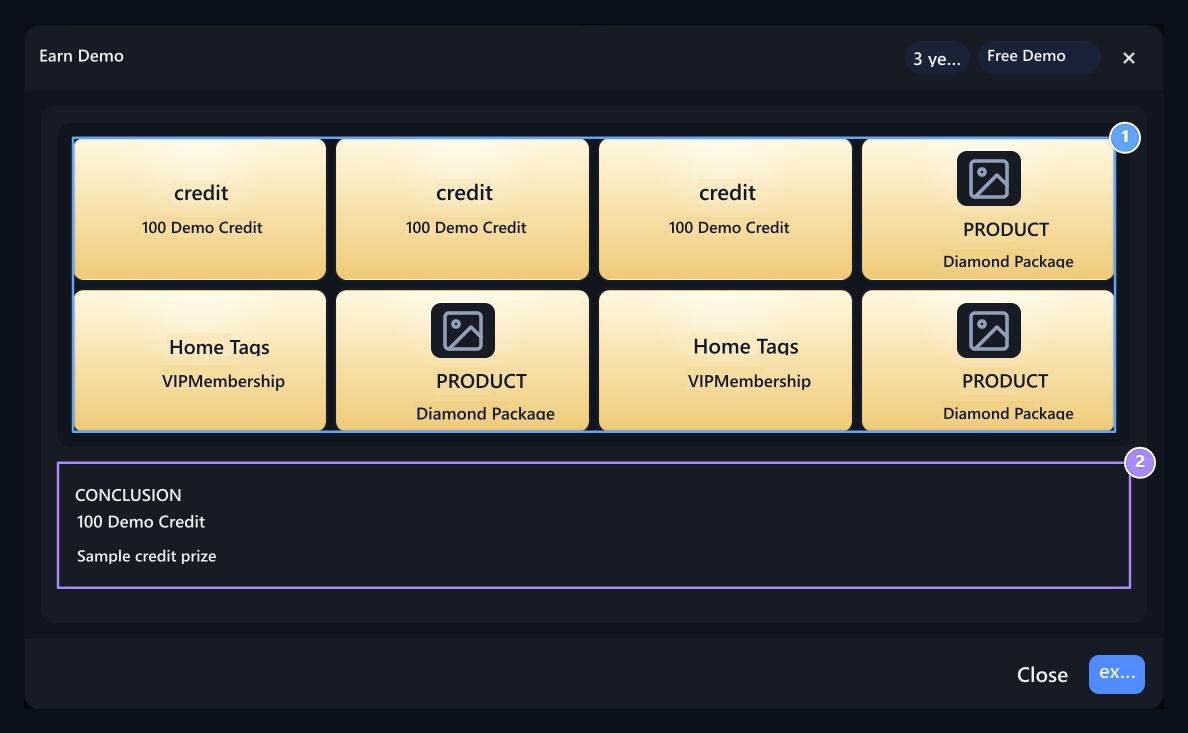
1. Matching result
Check the prize earned when three matches are completed.
2. Conclusion message
Check the current and replay status.
Check user view
Check card name, price and reward list on the user side. Verify that the surface with the mouse or tap is opened, the result is shown and the waiting rule is applied. Check the session, credit and usage limits if the game button is closed.Choose and Win
Prepare the game from eight off cards to choose.
safes
Create rewards that are opened with case animation.