
 Home
 User Guide
 Developers
 Payment Gateways
 Integrations & Tools
 Site Usage
 Troubleshooting
Set the name and duration of the season
General Type the name and short description of the season on the tab. Right Season Visual Upload the cover from the area or select from the library. The same cover is used in the season card and profile card.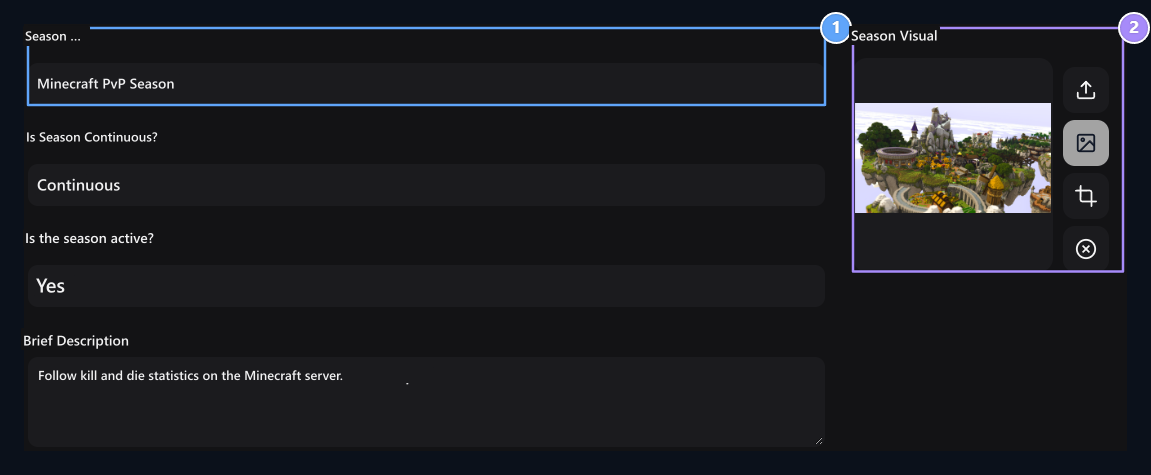
1. Season name
Set the season title that users will see.
Season Visual
Select or upload a visual from your Minecraft server.
Connect statistics source
Minecraft server ajLeaderboards If you are using the statistics to the season ranking. For plugin installation, MySQL connection and column matchings ajLeaderboards guide Follow. You can also find the optional Season Ticket link in the same guide. Data Connection database and MySQL Table prepare the space. The table is available columns are installed when selected.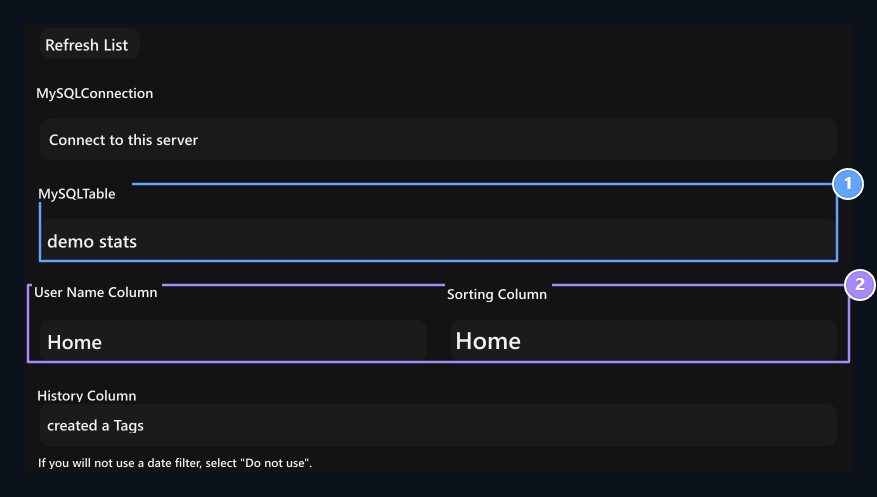
1. MySQL Table
Select the table with server statistics.
2. User and ranking
Match the score that will determine the account name and ranking.
Sample community_demo_stats for user name on the table nameFor sorting kills selected. Use tables and columns of your own statistics plugin. The source user name should match the site account.
You can search on lists. If you have added a new table or column Refresh List Use the button. Review other column selections when you change the source table.
Prepare weekly view
History Column weeks can be listed on the season page when selected. There are historical records of the period related to the source table to calculate the weekly results. In a source that keeps only total value per user Date Column → You Are Not Using Select. Change season dates do not reset points on the source database.Add visible statistics
Statistics Set the header and data column of each line on the tab. For example Kill → kills, Death → deaths You can use the matches.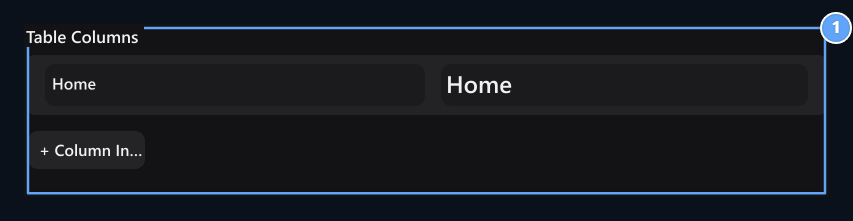
1. Seen statistics
Match the header of each insthe data table with column.
Get ready and save prizes
Season Awards → Season End Awards Select the target server in the field; write commands and reward descriptions to separate lines. Add new server space for sending to another server. This selection is the destination of delivery of the prize; the statistical source Data Connection You can set it from the tab. For rewards to be received as soon as possible to meet the level goals Season Ticket Go to the tab. Detailed installation Season Ticket is in the guide. Save the season when the settings are ready. List of available registration three points → Edit open the process.View the general ranking
User Seasons from the card on the page See ranking print the button.
1. Season card
Introduce the season with Minecraft server visual; Open the ranking with See.
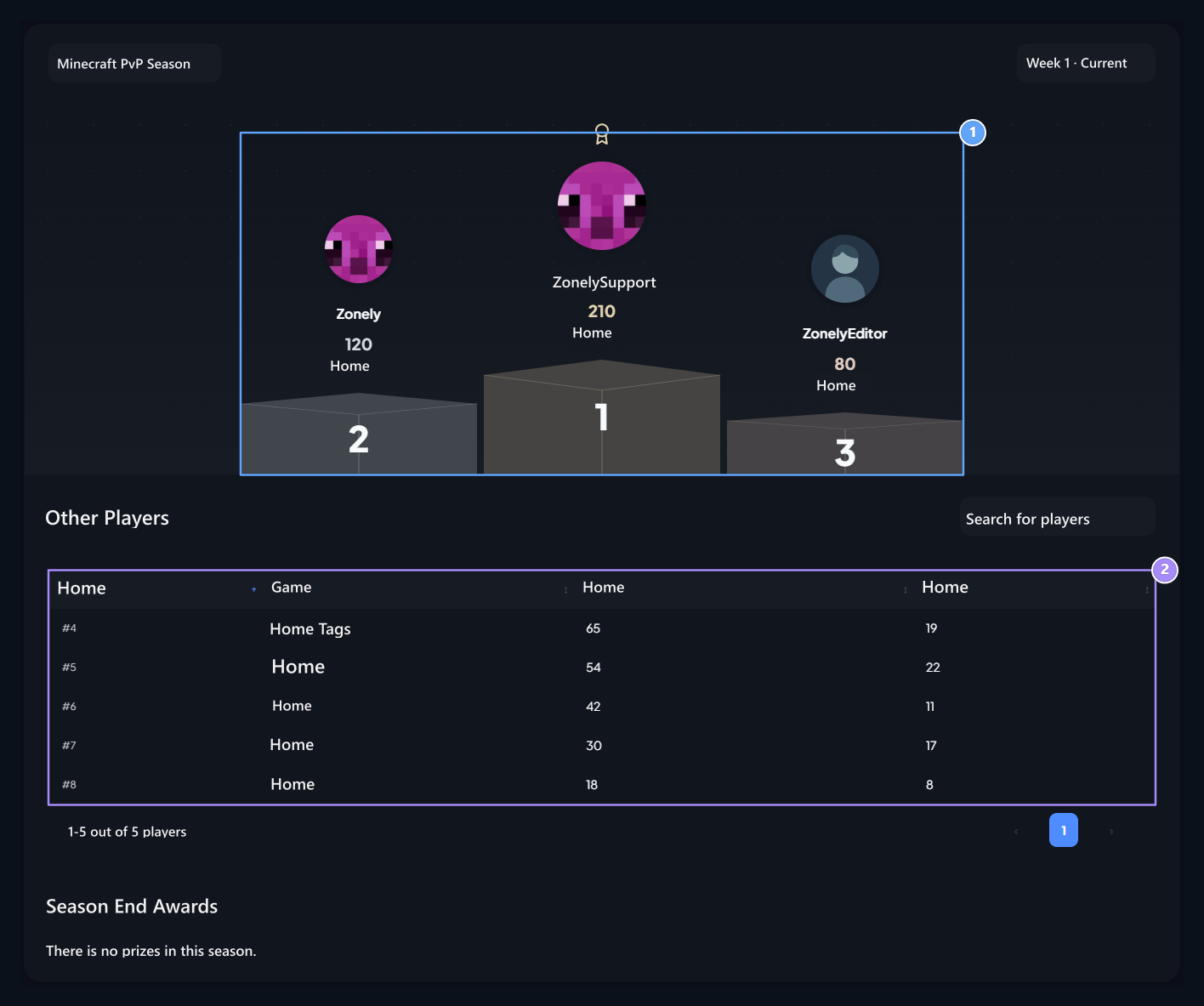
1. First three users
See three users with highest scores in podium.
2. Ranking table
Check users and statistics from the fourth ordinary.
Seasons in the profile
User own Profile → Seasons Sees the queue and personal statistics on the tab. From the visual picture of the card, the season can pass to the general ranking.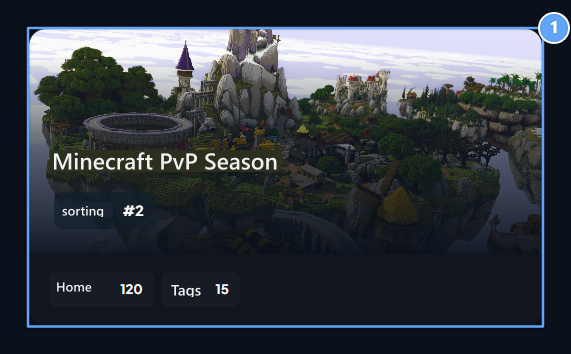
1. Seasons in the profile
Show the player’s queue and personal statistics on the same card.

Season 1
Open season cards on your own profile.
2. Season Ticket
If you have an active season ticket, follow the progress and rewards from this tab.
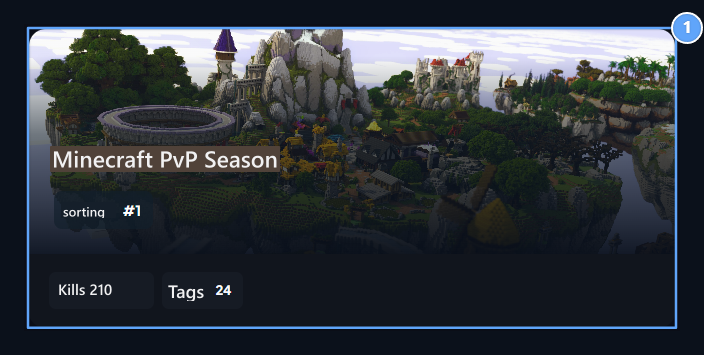
1. Player's season card
View queue and statistics from another user’s profile.
Season Ticket
Prepare progress istach, score goals and level rewards.