Home
 User Guide
 Developers
 Payment Gateways
 Integrations & Tools
 Site Usage
 Troubleshooting
Select day, watch and products
Select the type of display; enter the day of the campaign, start and end. Add Select product line and product with. From each line Discount Rate fill in the area.- Normal views
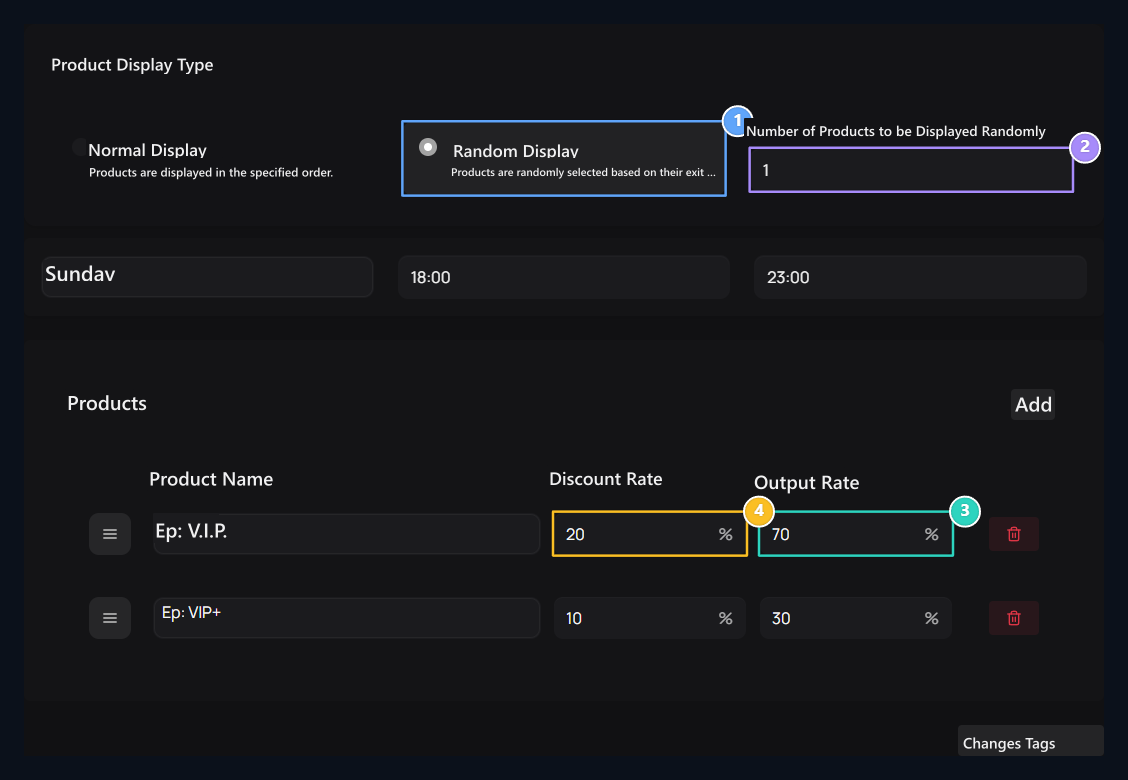
- Random views
To present products in order to be determined Normal Display Use. Drag the row from the handles; remove the line you will not use from the trash box.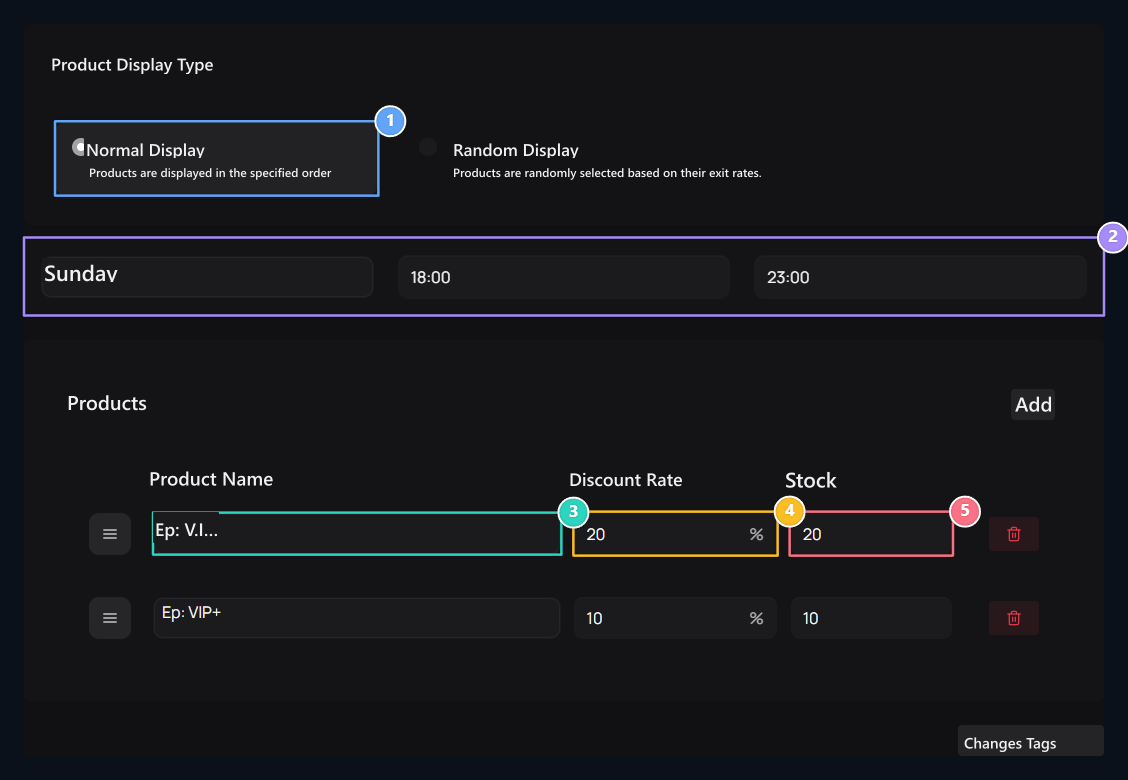
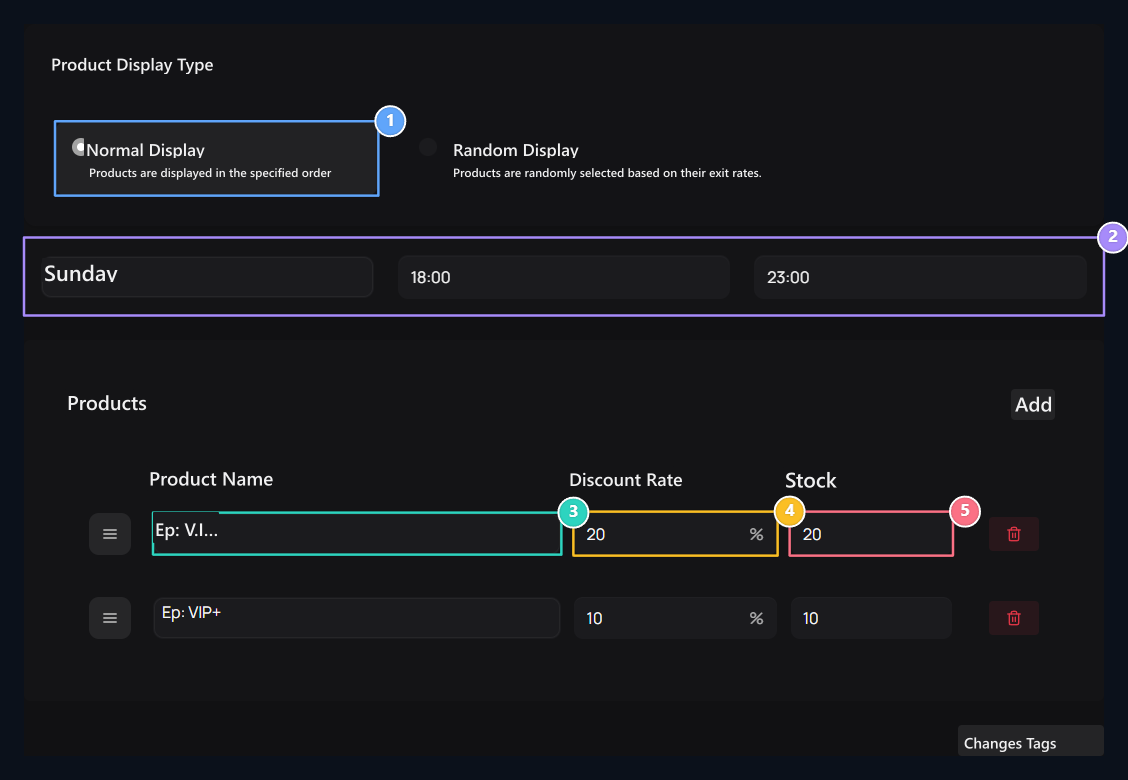
1. Normal Views
Products are shown in order to determine. Change the ranking with line handle.
2. Day and time
Select the day and time interval that the campaign will be valid.
3. Select products
Check the products you will include in the campaign.
4. Discount rate
Type the discount rate to be applied to each product.
5. Campaign stock
Identify the campaign score of each product in normal display.