
 Home
 User Guide
 Developers
 Payment Gateways
 Integrations & Tools
 Site Usage
 Troubleshooting
See reference records
Management panel References open the part. The logo of the reference in the list is included in the registration associated account, project name, address and date of publication.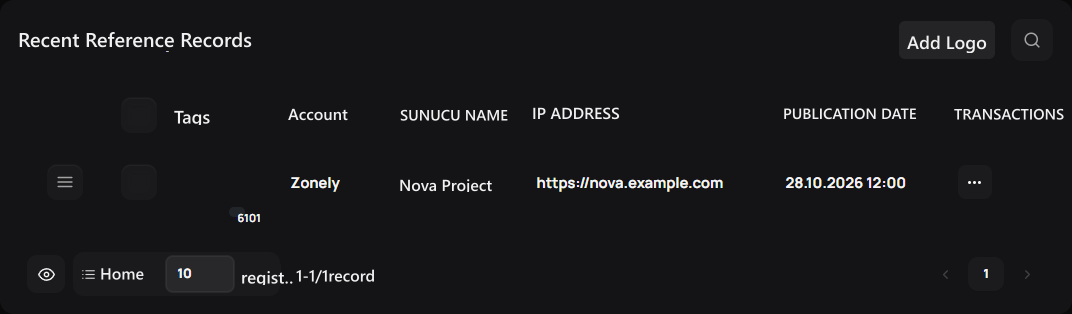
1. Reference records
List projects using your product or service with names, addresses and logos.
Type the name and address of the reference
Logo Insert Press the button. Close Add Reference Fill two areas before the screen: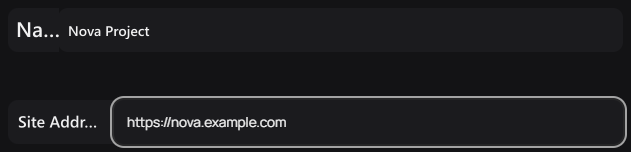
1. Name
Write the name of the project you will show as a reference.
2. Site Address
Enter the address of the reference.
Add your reference logo
Reference Logo Select the visual image of the project area. Check the preview of the visual. You can use the tools of visual space to change or remove the picture.
1. Reference Logo
Add the logo and check the preview of the reference image.
Update the details of the reference
Reference available three points → Edit open the process. Change the name, site address or logo Update Press the button. Check the current information of the reference in the list.
Prepare your digital product store
Prepare the description, sales information and downloadable files of the digital product.