
 Home
 User Guide
 Developers
 Payment Gateways
 Integrations & Tools
 Site Usage
 Troubleshooting
Buttons on your license card
Your license card shows your website details and the actions available for that license.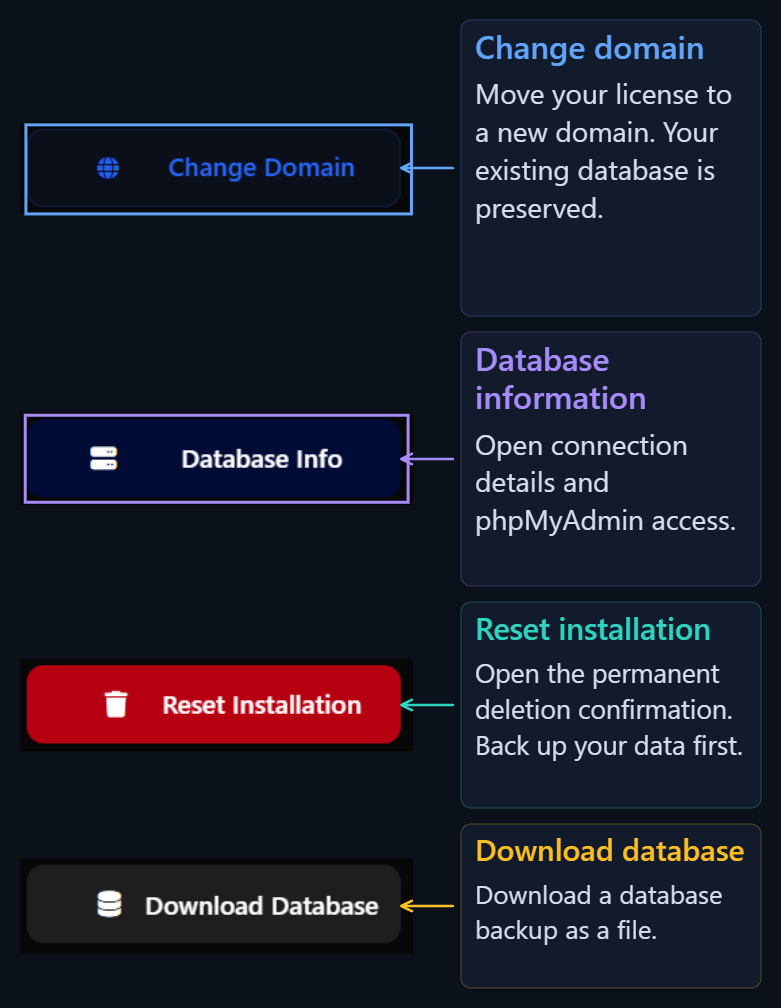
Change domain
Select Change domain. Enter the new address in the Domain field, without a protocol or www, for example example.com. Save with Move domain.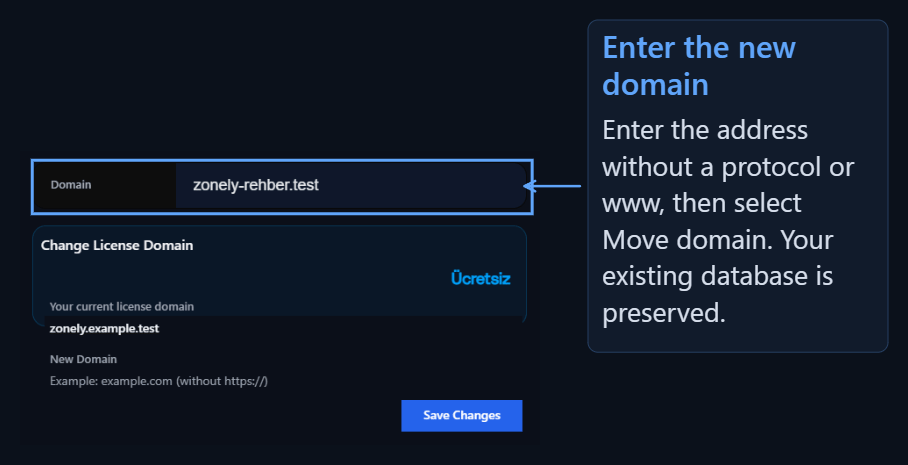
Database information
Use the connection details in Database information when connecting a database tool to your website’s database.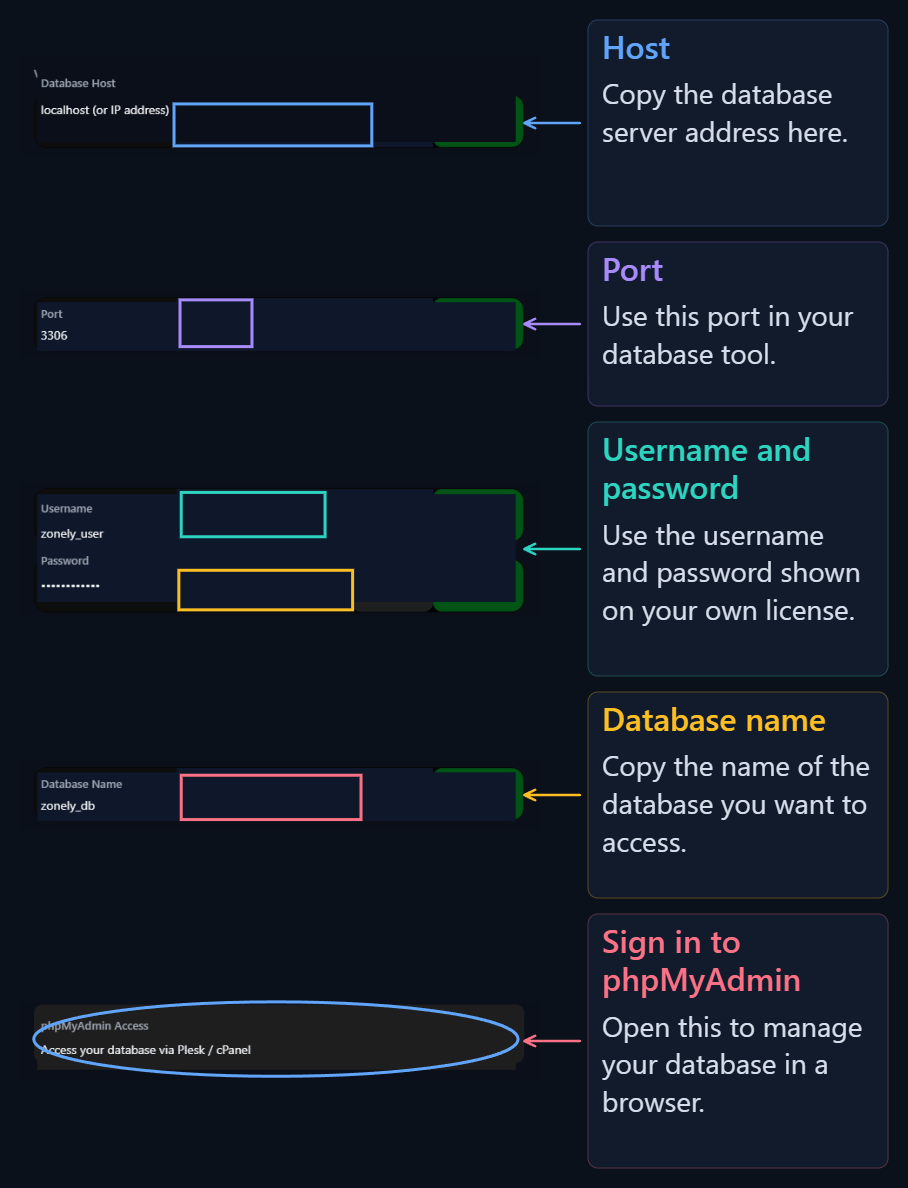
Download database
Select Download database to create a backup. Find the downloaded file in your browser’s downloads list. This backup contains the database only. Back up your theme files and uploaded images separately.Reset installation
Select Reset installation to remove the current setup. This action cannot be undone. Back up your data before continuing.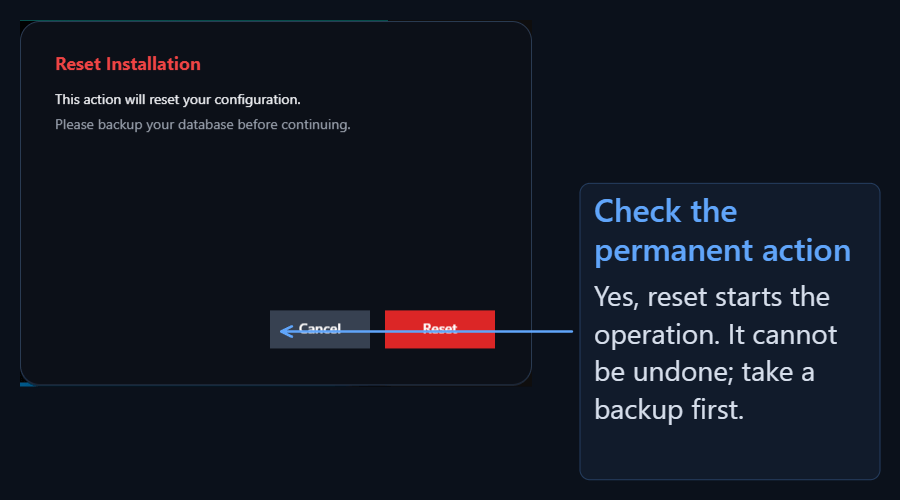
If installation stops before completion
Check installation status
Check installation status
Use this action to check the progress of an installation.
Restart installation
Restart installation
Use this action to restart an incomplete installation. After confirmation, the remaining data from that installation is cleared and setup starts again.