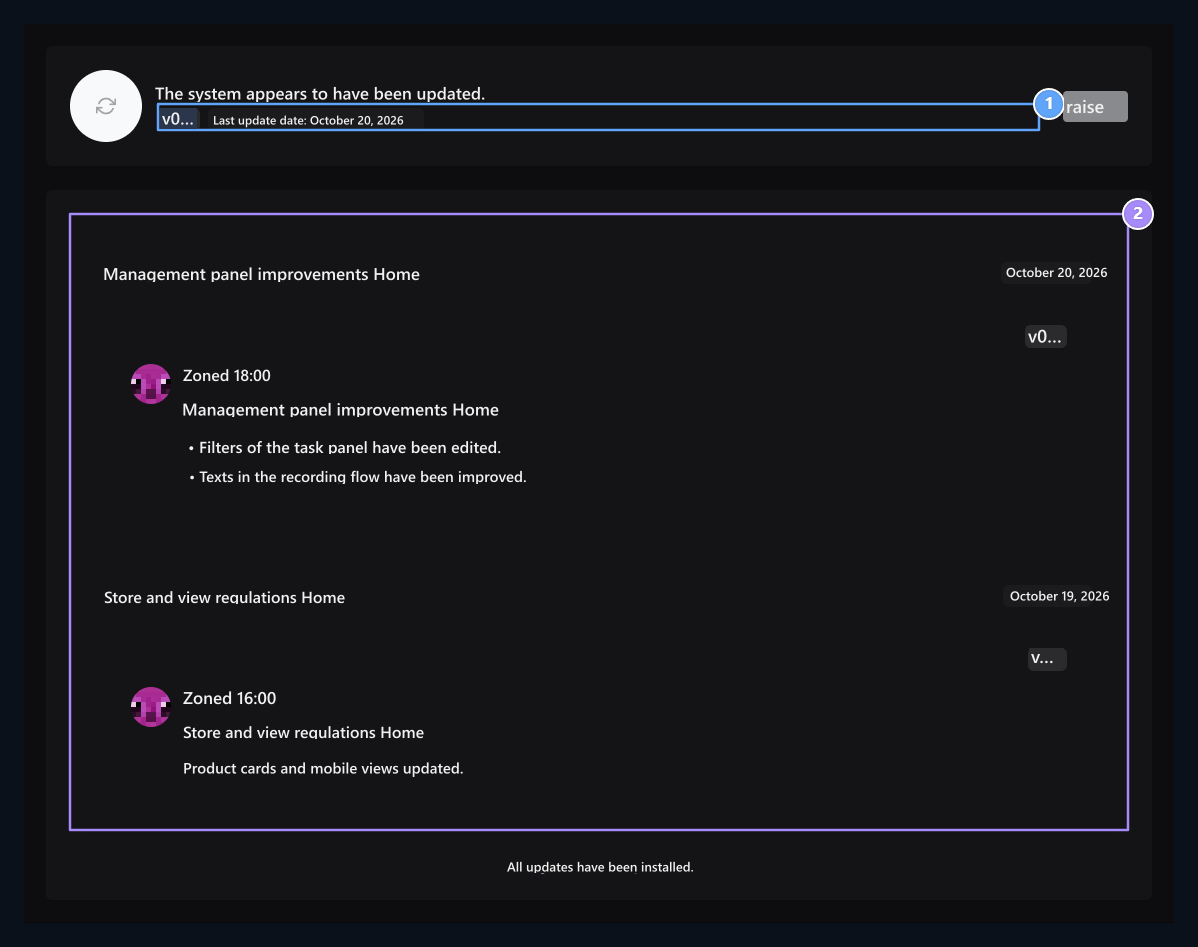
Upgrades open the screen. Read the improvements notes released for Zonely here and launch the system upgrade from this screen.

Read version notes

Last release summary, Release notes

1. Last release summary

This domain is a date and release summary of system development announcements.

2. Release notes

Read the development descriptions in groups of days.
The upper part shows the final release summary. Under the days, there are descriptions, writers and time information that are grouped. Check changes and additional steps that affect your installation. It does not show that a version appears in the release announcement is upgraded to that version of your installation. To add files or version to the digital store product Updates Use the screen.

Start Upgrade

System upgrade

1. Upgrade system

After reviewing version notes, the upgrade flow starts this button.
Updated before the transaction Your database backup and get the files you customize. When you are ready Raise Print the button and follow the redirect on the screen. Wait to complete when you want to close the page while trading is running. Read the result message: successful transaction, already the current installation and error result are different situations. If you have error, record the message and see the reason; do not press the same button at the same time.