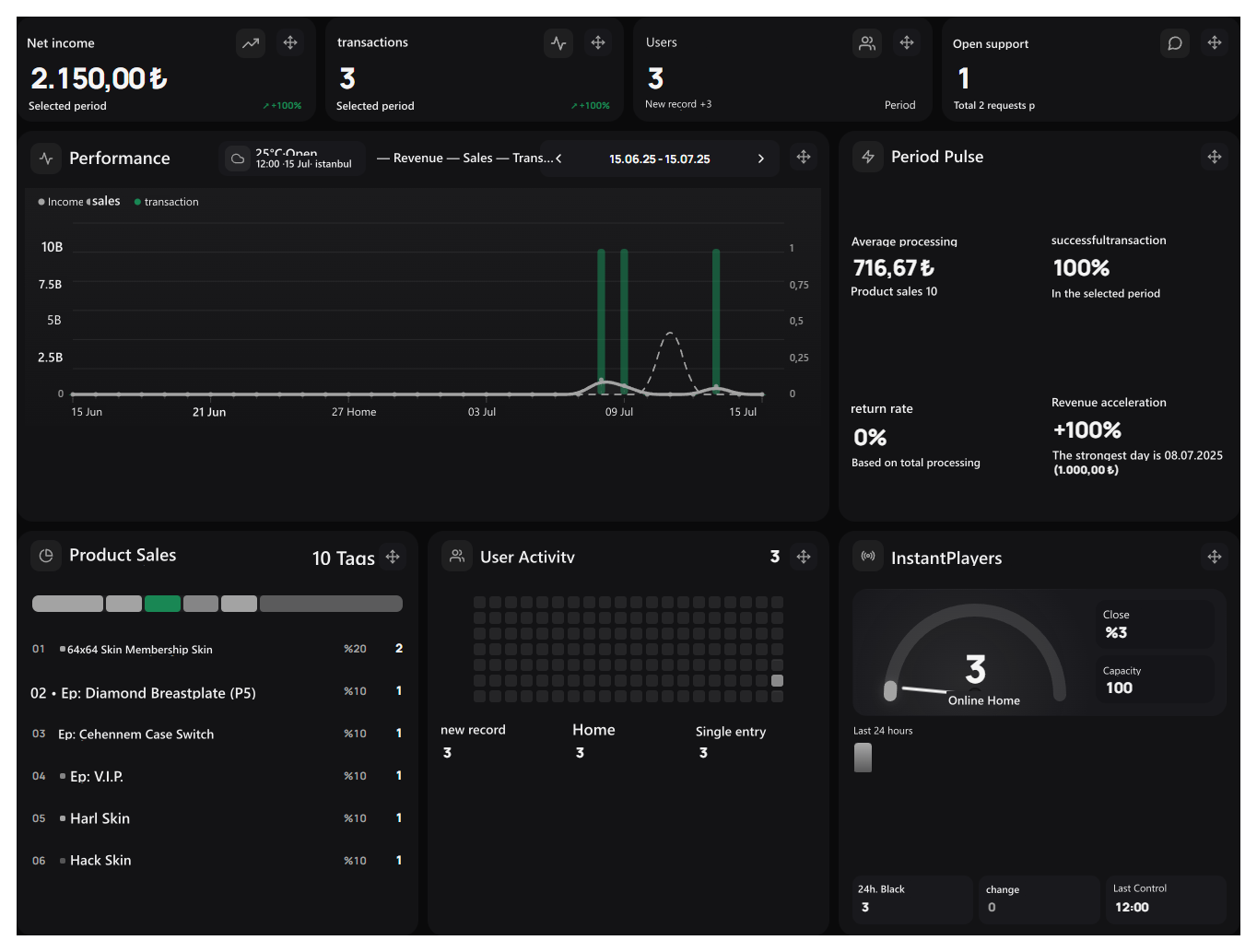
You can manage your site’s products, orders, users and support requests from the management panel. The main screen allows you to view your daily work and the overall status of your site in one way.

Where to start in the first entry?

Prepare your site to post

Complete logo, theme, product and payment settings.

Add your products

Create your categories and prepare products for sale.
After you have prepared the site, you can use the main screen to order, support requests and browse upcoming works.

Use the management menu

Open the section you want to work from the left menu. Search for menu / Ctrl + K With the screen name you can search. Open the menu from the button on the left top.
Highlight cards in the same alignment in black theme, Performance and daily panel areas

Follow daily jobs

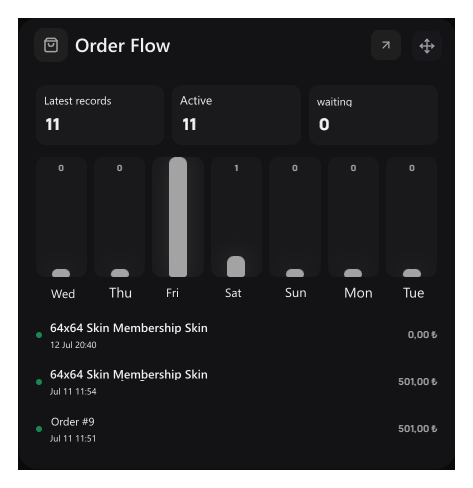
Order Flow

Full of order flow space in the admin demosun viewSee the final orders and the pending processing. Read or read in the card for details Orders open the screen.

Support Status

Support Status full of admin demosun viewFollow open requests and re-responding calls. To answer Support requests .

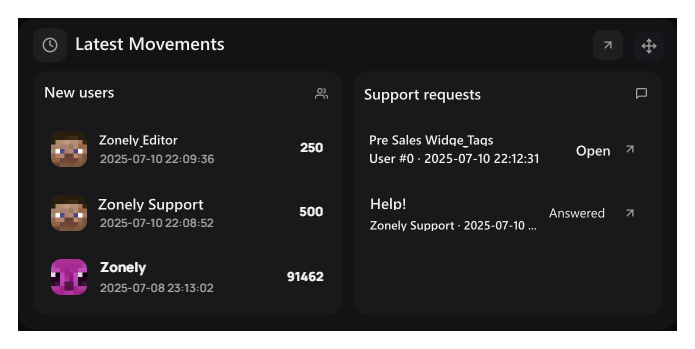
Latest Movements

The view of the admin demosun full of the last movements areaCheck new users and final support requests. Please contact details by selecting the relevant registration.

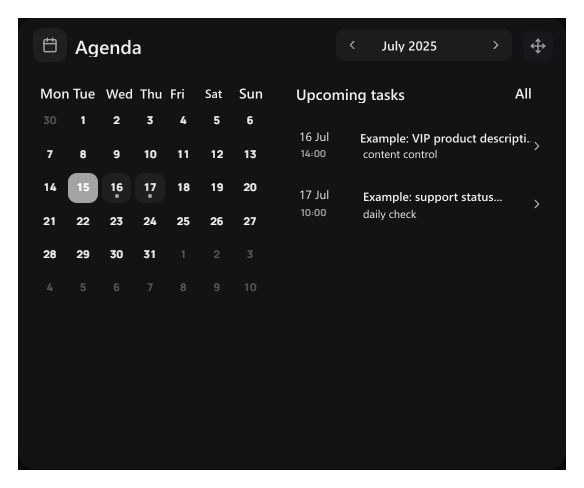
agenda

The view of the admin demosun full of the area in the agentCheck upcoming tasks. To open a task or plan a new business Scheduled operations Use.

Check sales and user movements

As your site started to be used, you can see how sales and user movements are doing. The income calculated from SQL records in the selected period, transactions, users and support summary

Net income card sums up. No accounting profit that businesses are deducted.

Performance

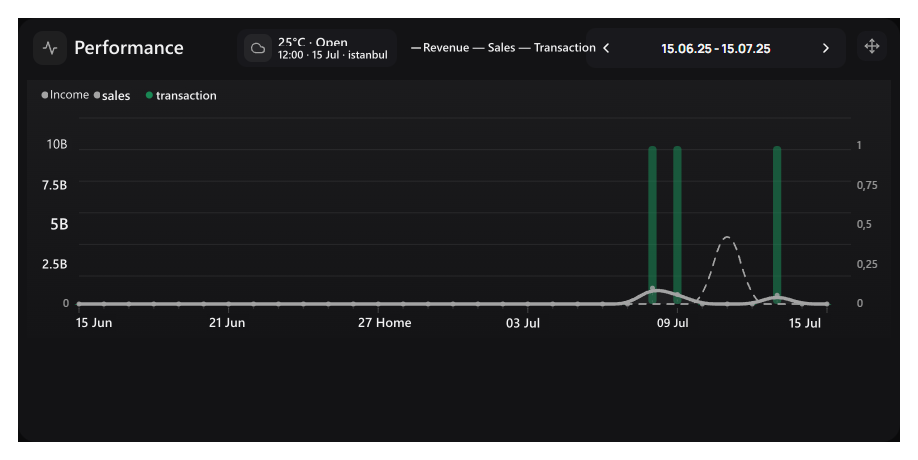
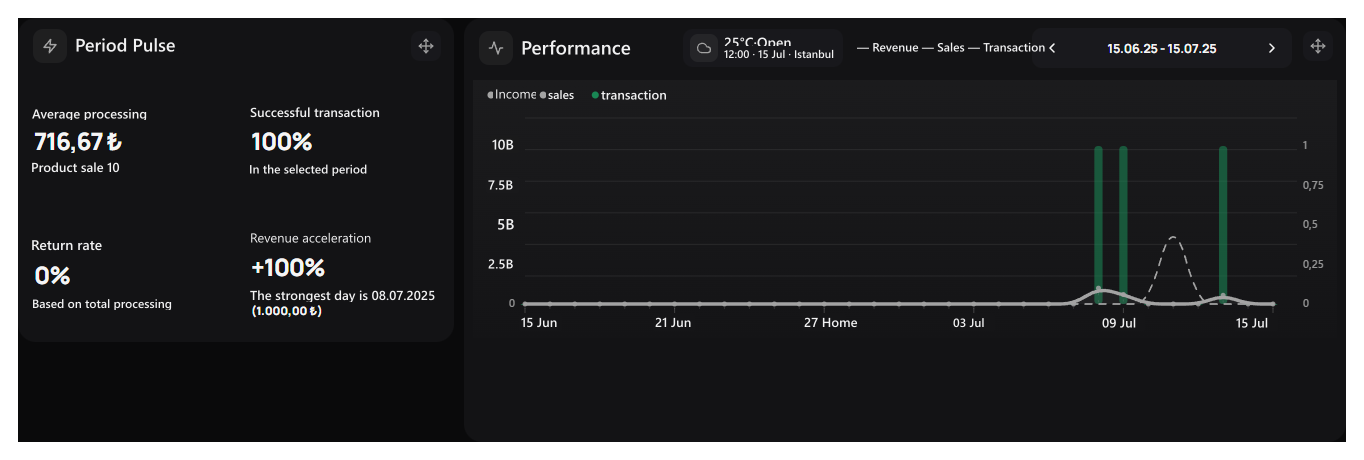
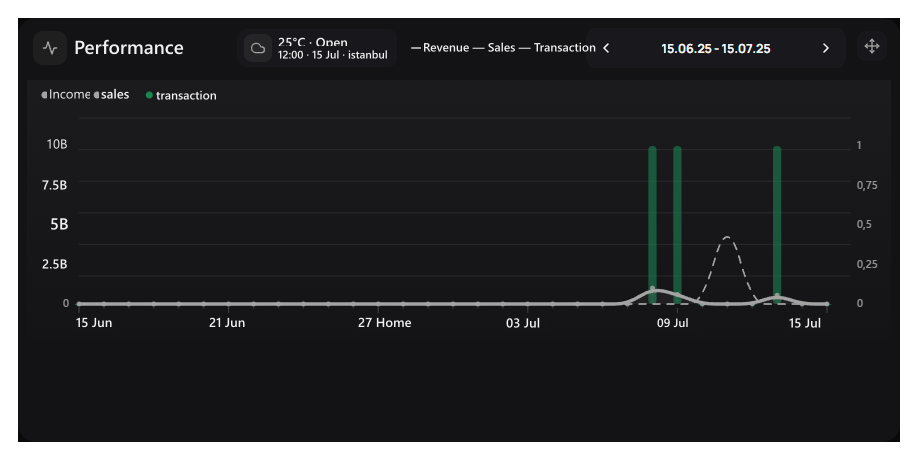
Performance area full of admin view on the demosunCheck revenue, sales and transaction movements according to days. See the values of the day about the day that comes on the chart.

Period Pulse

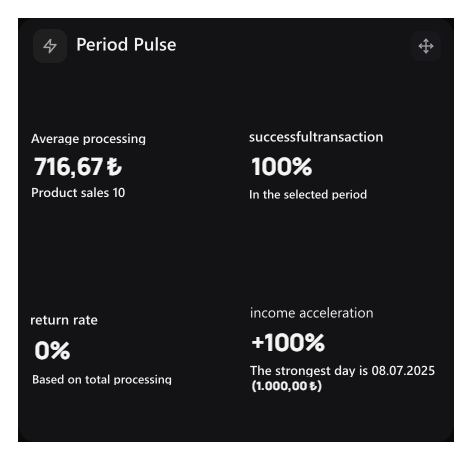
The view of the admin demosun full of the term pulse areaRate the average transaction amount, product sales score, success and return rates together. Income acceleration is compared to the previous elongation period.

Product Sales

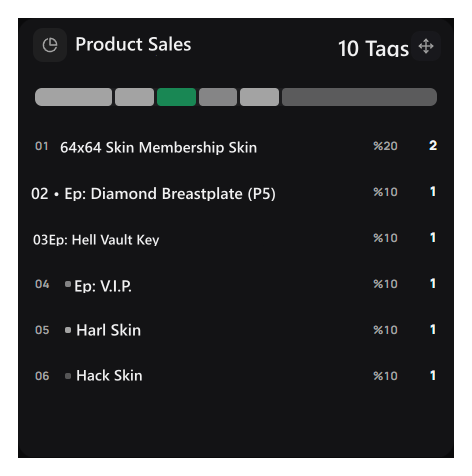
Product Sales of the full admin demosun viewSee how many products are sold and share in total. The amount charged with the sales officer is different sizes.

User Activity

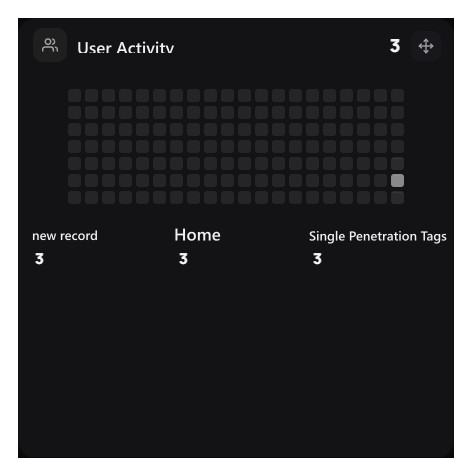
User Activity area full of admin view on the demosunCheck daily movements, new records and entries. unique entrycounts different users that log in.

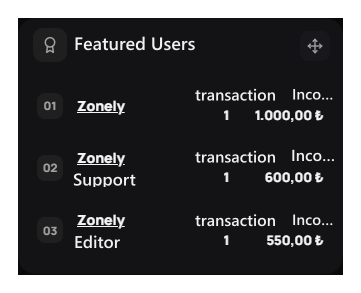
Featured Users

Featured Users’ view on the admin demosun full of spaceSee the transaction and income contribution in the selected period on the user basis. Check out the relevant records by opening the details of the account.
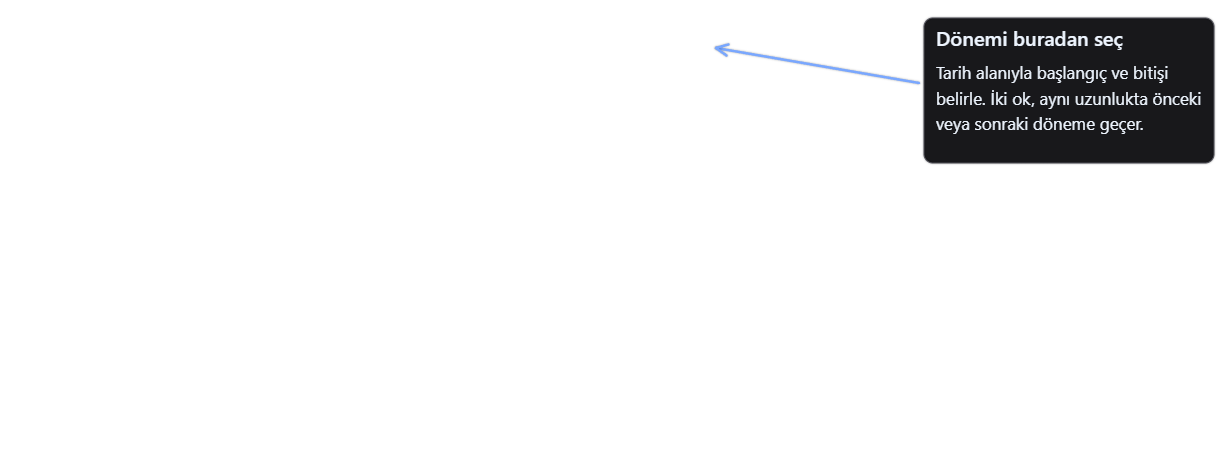
When you want to review reports for a specific period Performance Use the date area on the right top of the card.
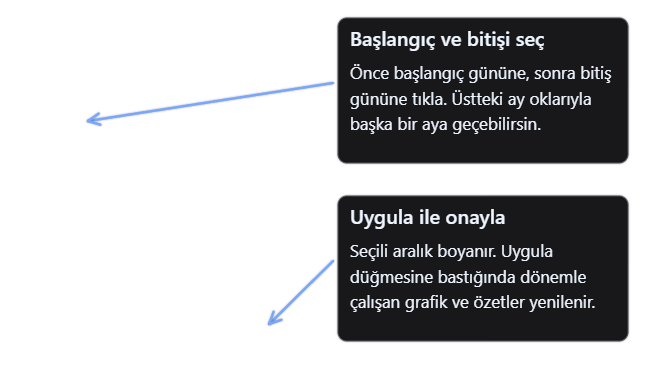
Performance chart and term selection controlsOpen date area. With arrows on the same length you can go to the previous or next period.
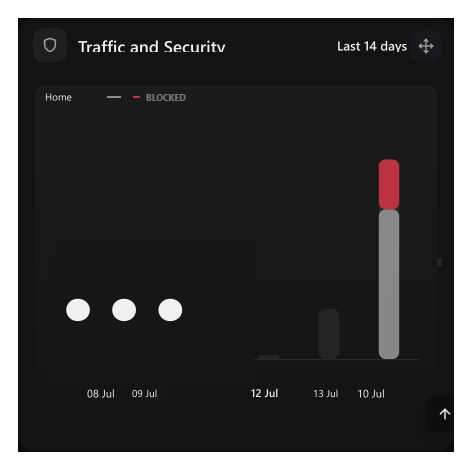
Date selection, updates the abstracts and graphs running on the period. Traffic and Security The last 14 days, the agent shows its calendar month, the Order Flow last records.

Work with your team, hold your notes

Authorized Live Chat
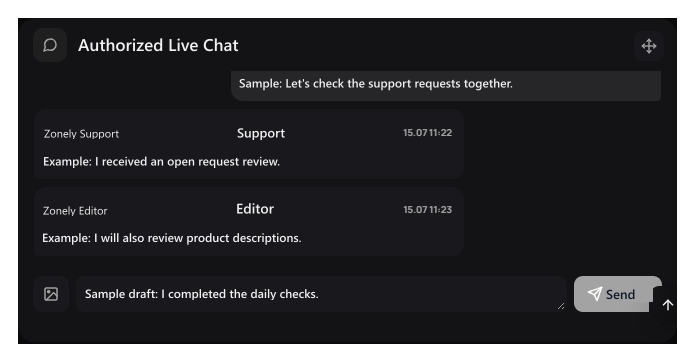
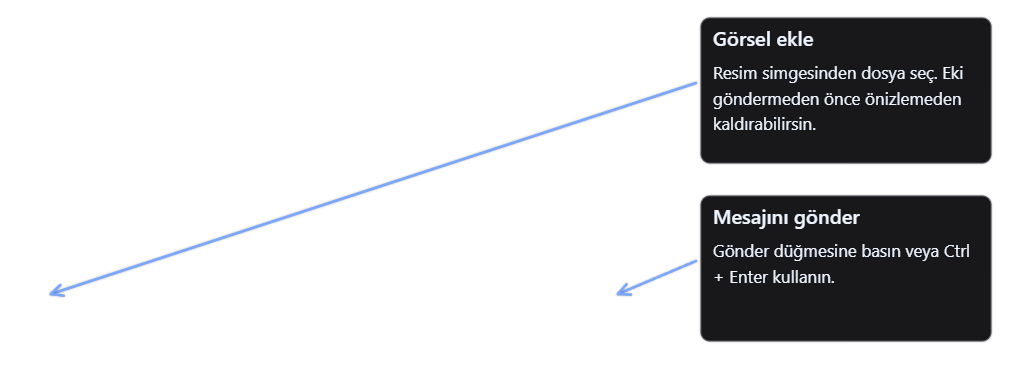
The view of the admin demosun full of the authorized Live Chat areaWrite members of the team using the panel. Your message Send or Ctrl + Enter with the button; you can add visual from the image icon.

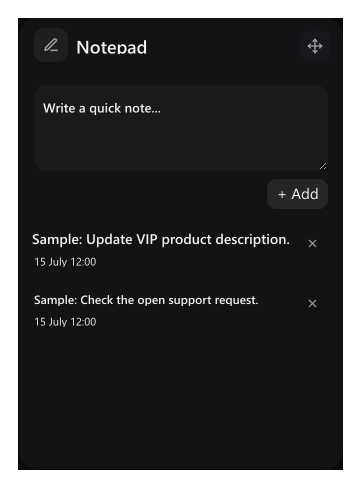
Notepad

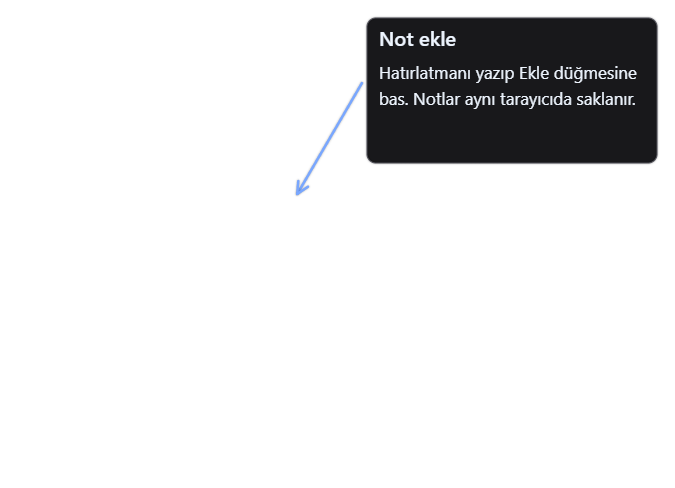
Note The view of the book area filled admin demosunWrite a short reminder to yourself Add Press the button. Notes are stored in the same browser; the last 12 note is kept.
Post tascimal and visual addition in the authorized chatA message can be up to 2000 characters. Before you send, you can remove the visual from the preview you add.

Edit the main screen by yourself

You can move the cards you use frequently to the top side, grow graphics or chat areas.
The location and size of cards are stored automatically in the same browser. You also don’t need to save.
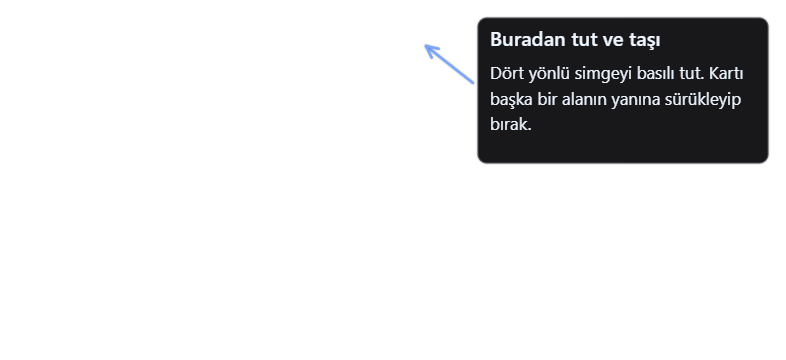
Carrying out handle of cardPrint the four-way transport icon of the card and drag it to where you want.
The actual settlement after the period is moved forward to pulse card
Drag the edge or corner of the card in the wide desktop view. The edges change one single size, corner width and height together.
Performance area that is expanded and upgraded by dragging from the corner
Cards on phone and narrow windows are placed according to the screen width.
The areas that rotate card layout in the beginning reset buttonReset fields Rotate the places and sizes of cards with the button to the initial layout. Your notes and chat messages are protected.

Other abstracts

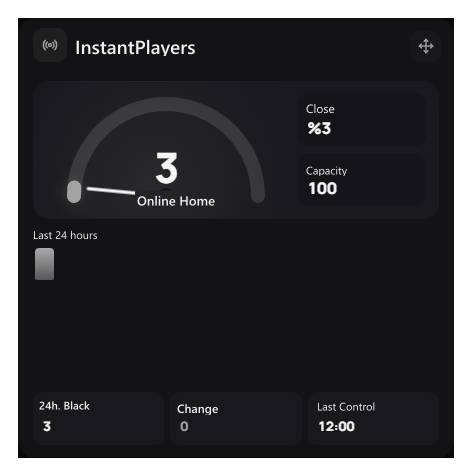
Instant Players’ view on the admin demosun full of spaceSee the number of players, capacity and last control time of connected gaming server. The past bars are formed from the measurements collected by the panel. For connection settings Servers Go to the guide.

Introduction Geography

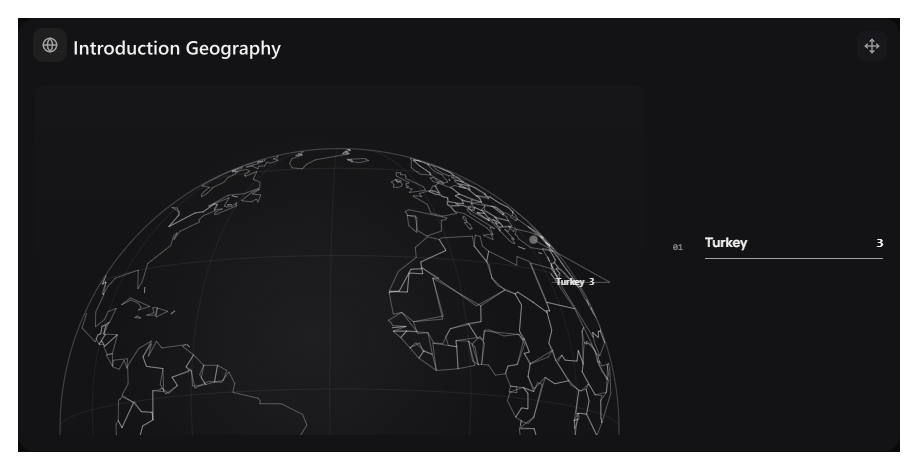
Introduction The view of the full admin demosun, full of the Geography areaCheck out distribution of access to countries.

Traffic and Security

The view on the admin demosun full of traffic and security areaSee the allowed and blocked requests on the last 14 days. For Details Safety wall open.
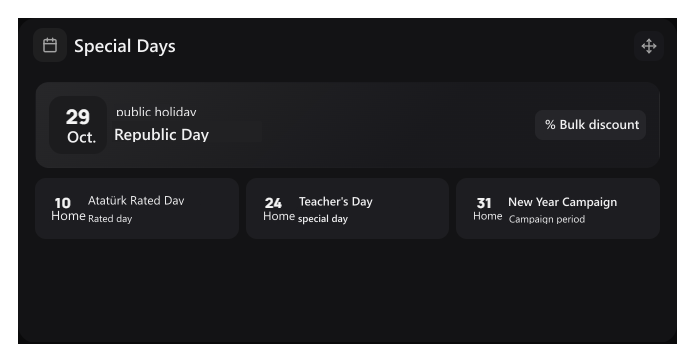
Full of special days space admin view on the demosunFollow upcoming days and campaign periods. bulk discount button Your discount terms prepare.
StaffSee the role of team members and online situations. To edit role and permission Permissions Switch to the screen.