After completing installation and connecting your domain, open your website. Enter the website details and create the first administrator account in the setup form. The steps are Languages → Website information → Industry selection → First administrator account → Contact information → All done? Use Next step to continue or Previous step to change an earlier answer.

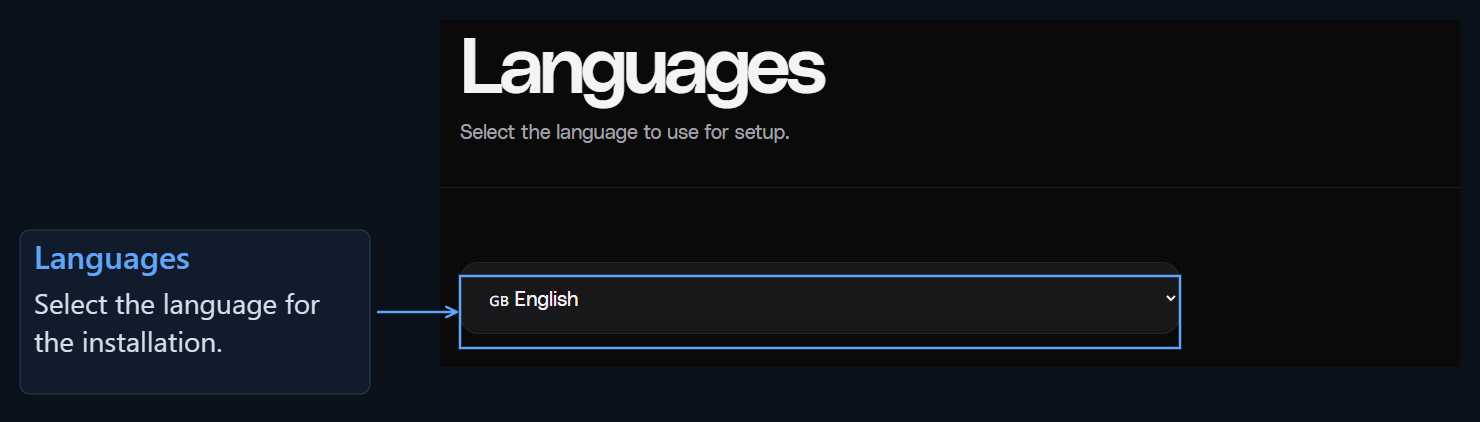
1. Languages

English initial site setup — step 1
Choose the language for setup, then select Next step.

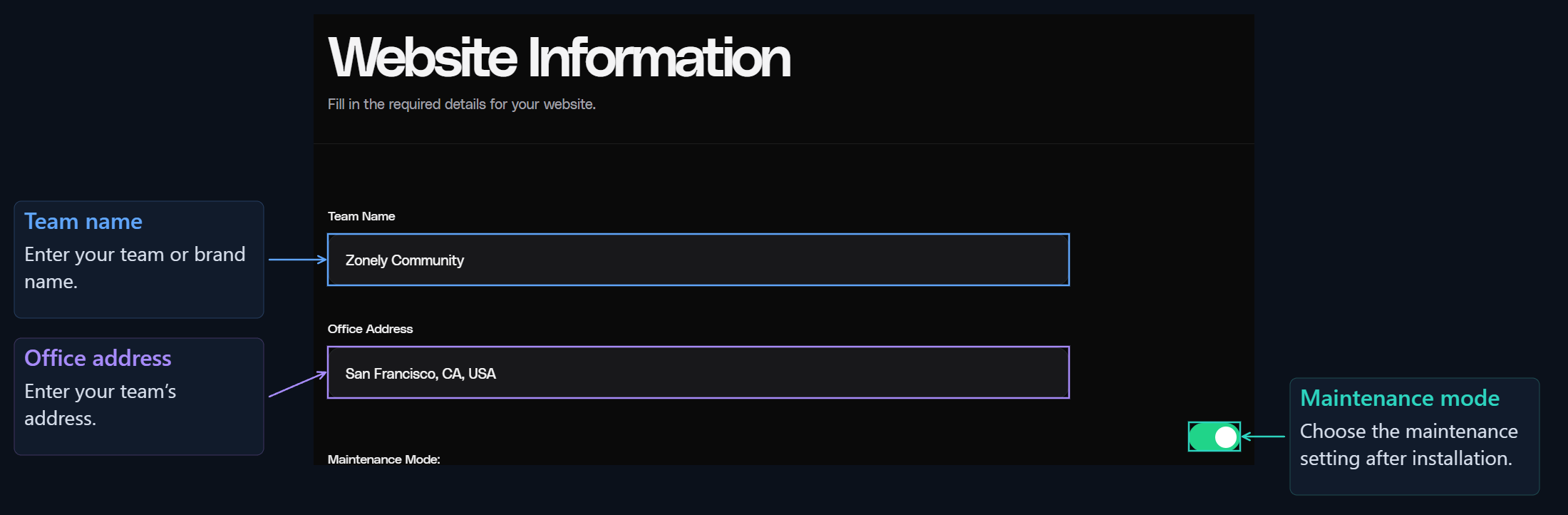
2. Website information

English initial site setup — step 2
Complete the fields and select Next step to choose your sales system.

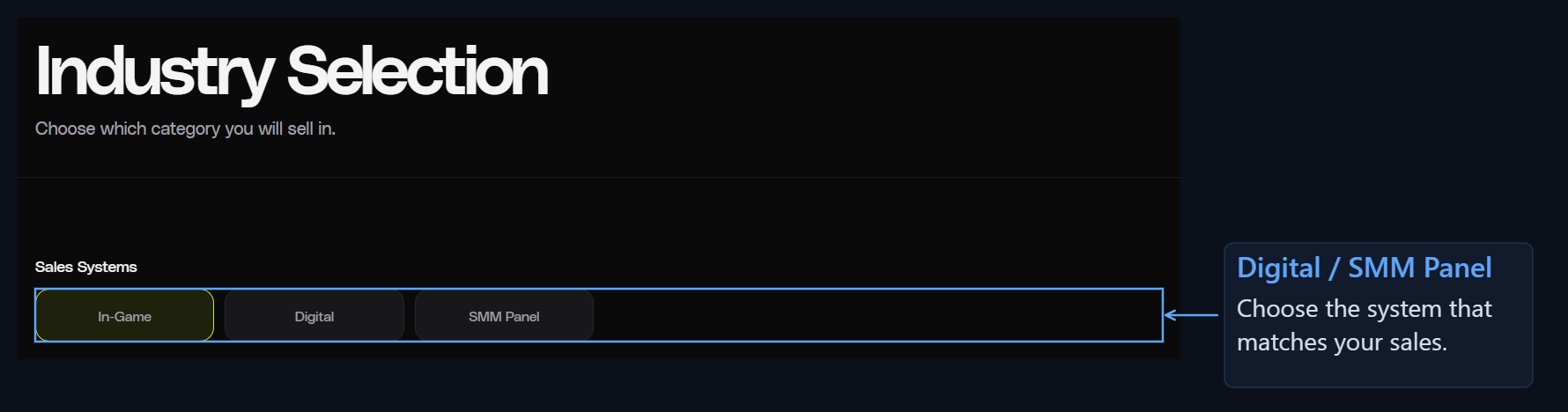
3. Industry selection
English initial site setup — step 3
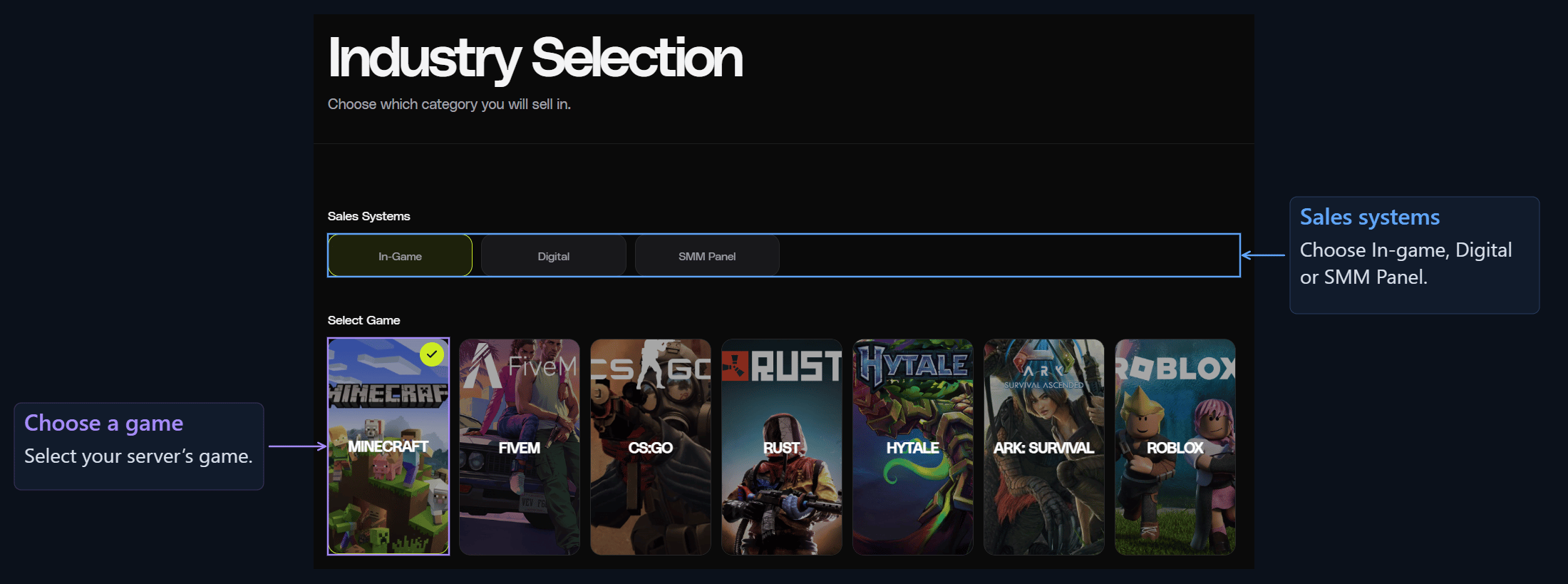
Choose the type of products or services you will sell under Sales systems. For a game server, select In-game, then choose the game your server uses.
English initial site setup — step 4
Choose Digital for digital products or SMM Panel for social media services.

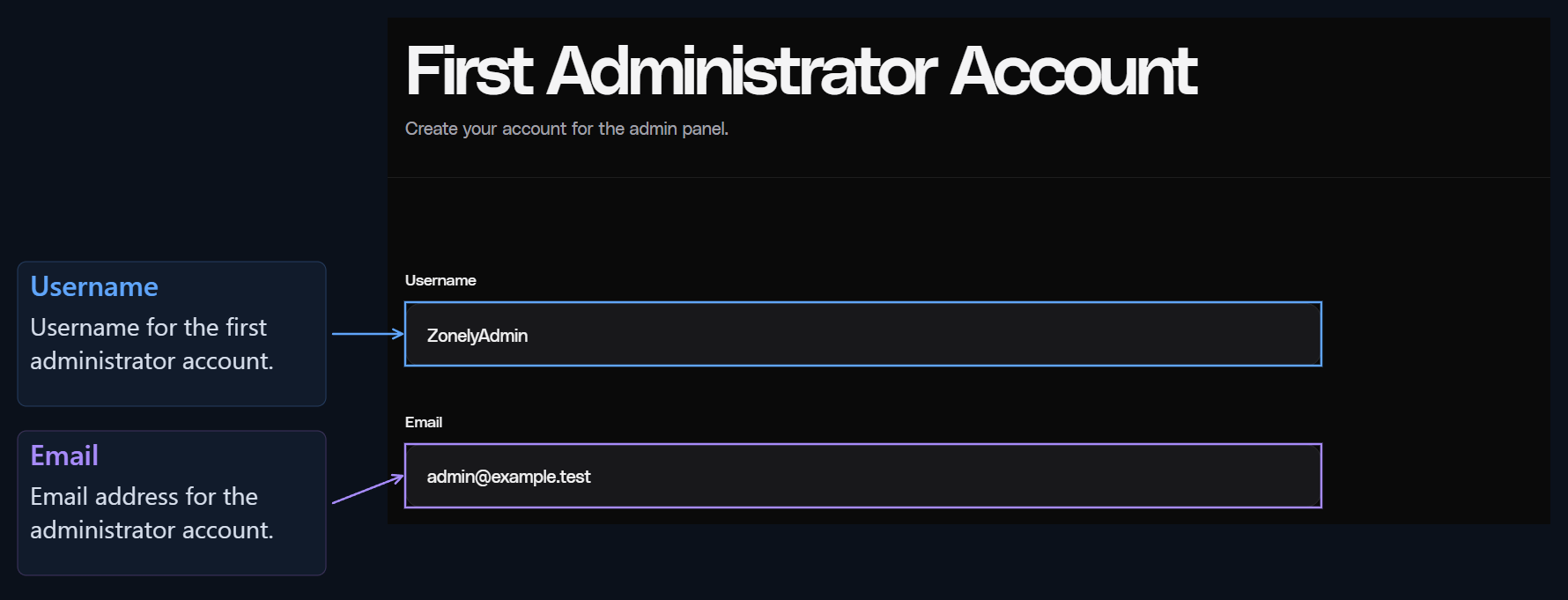
4. First administrator account

Create the account you will use to sign in to the administration panel.

Minecraft and Hytale

English initial site setup — step 5
Enter your username and email address.
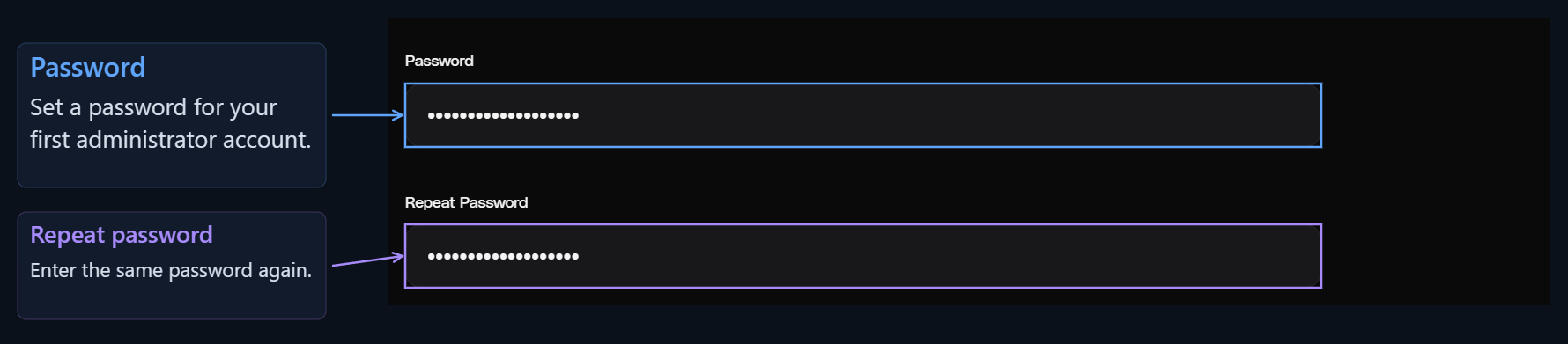
English initial site setup — step 6
Enter the same password in Password and Repeat password.

Digital and SMM Panel

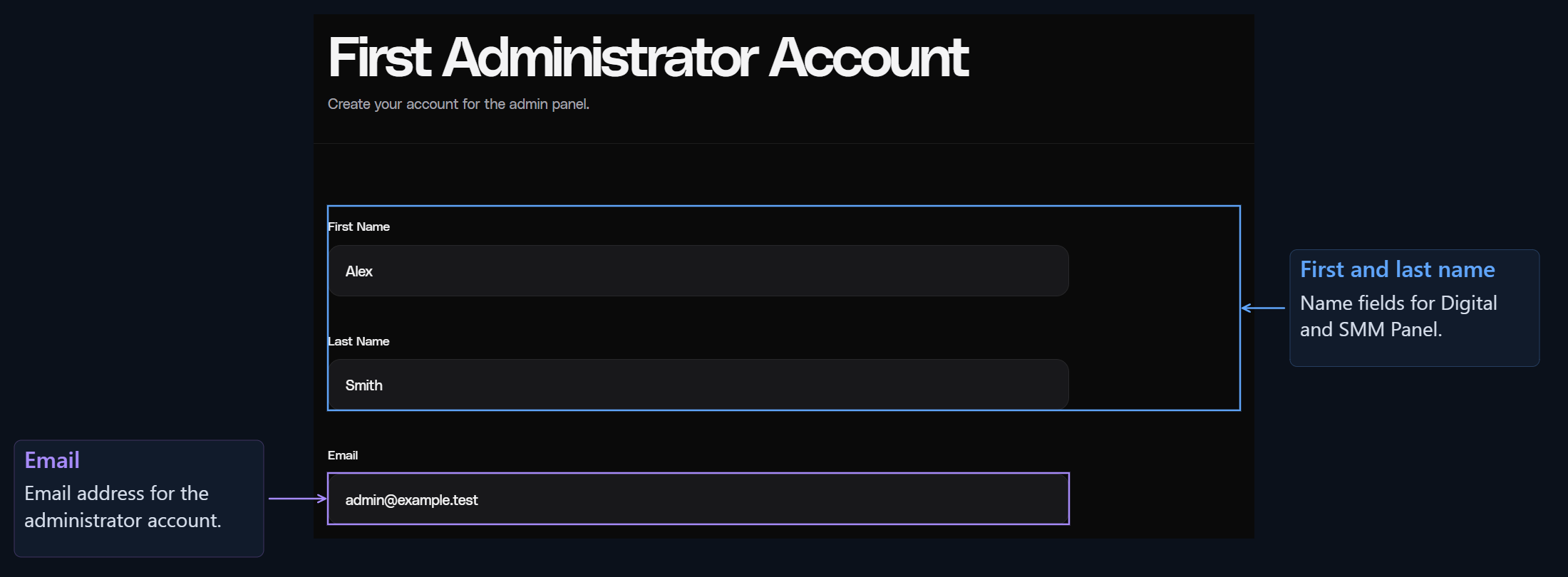
English initial site setup — step 7
Enter your first name, last name, email address and password.

FiveM: CFX account connection

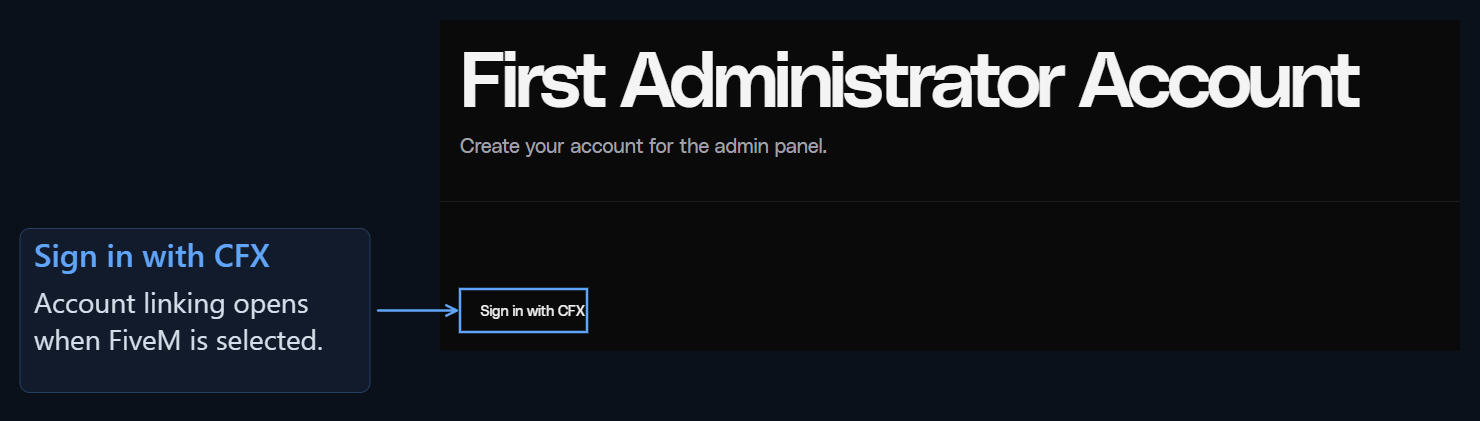
English initial site setup — step 8
Select Sign in with CFX and sign in with your CFX account.

Roblox: OAuth details and account connection
English initial site setup — step 9
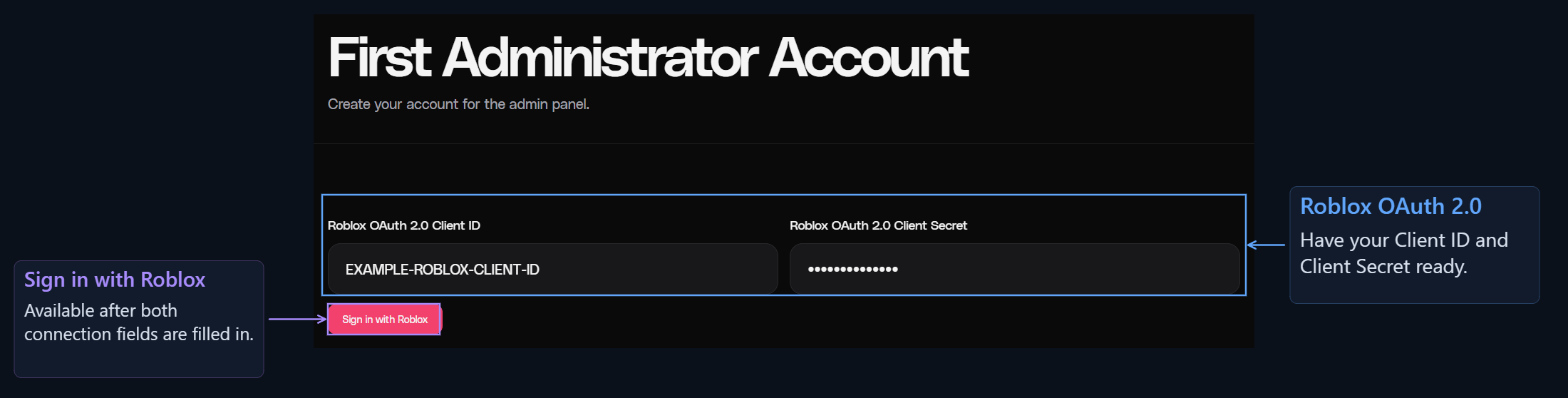
Enter your Roblox application’s Client ID and Client Secret, then select Sign in with Roblox to connect the account.

Games that use Steam

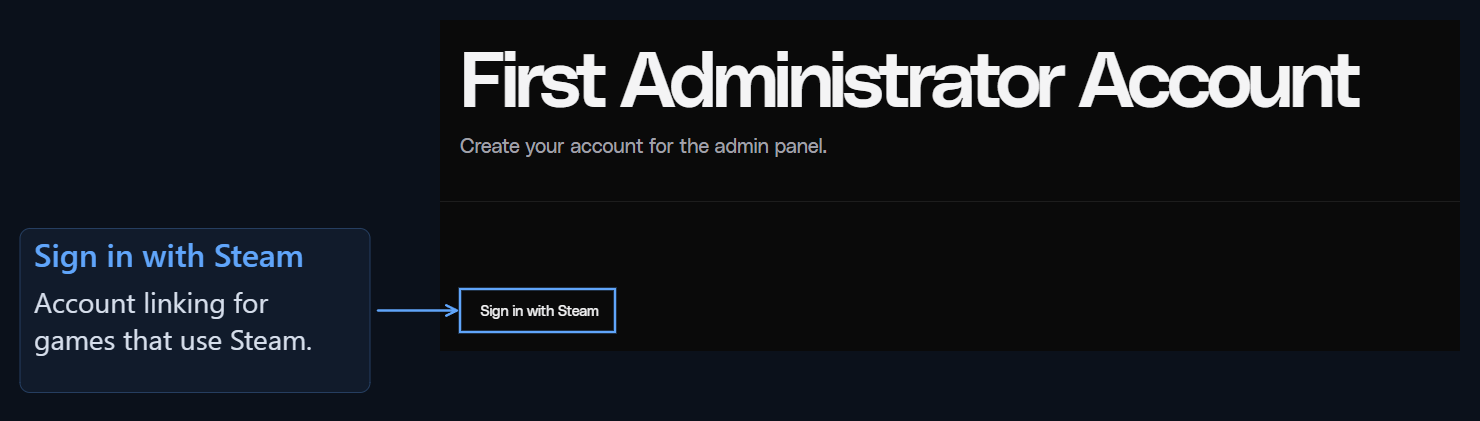
English initial site setup — step 10
Use Sign in with Steam for CS:GO, Rust, ARK: Survival, Garry’s Mod and Unturned.

5. Contact information

English initial site setup — step 11
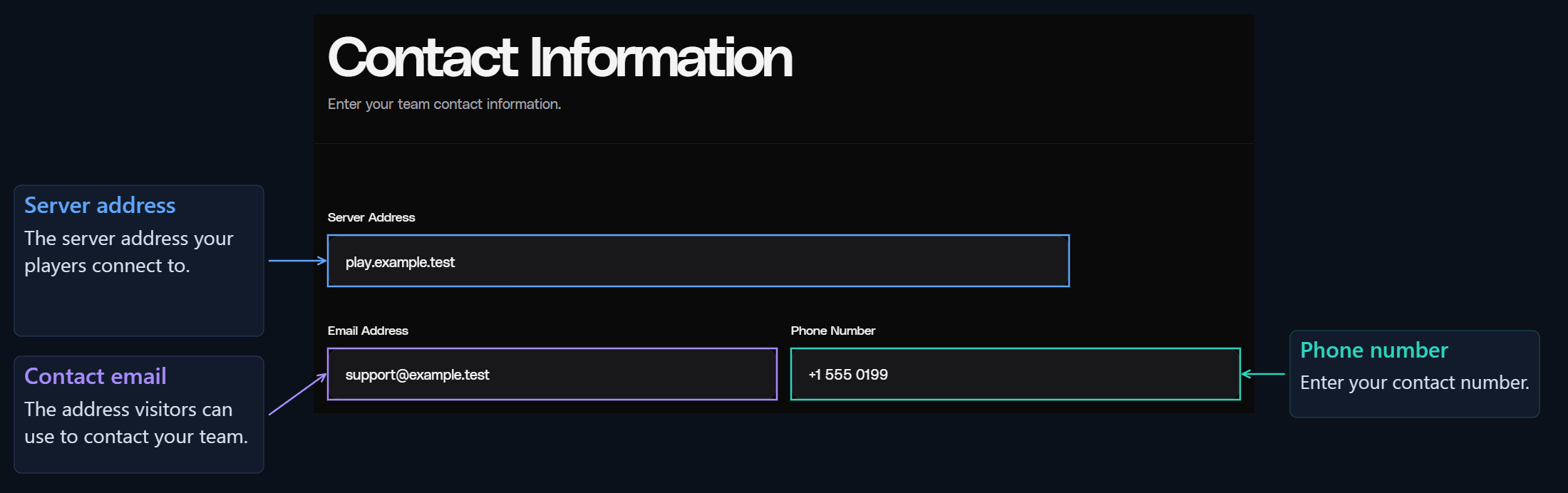
In Server address, enter the address players use to connect to your server. Enter your team’s contact details in Contact email and Phone number.

6. All done?

English initial site setup — step 12
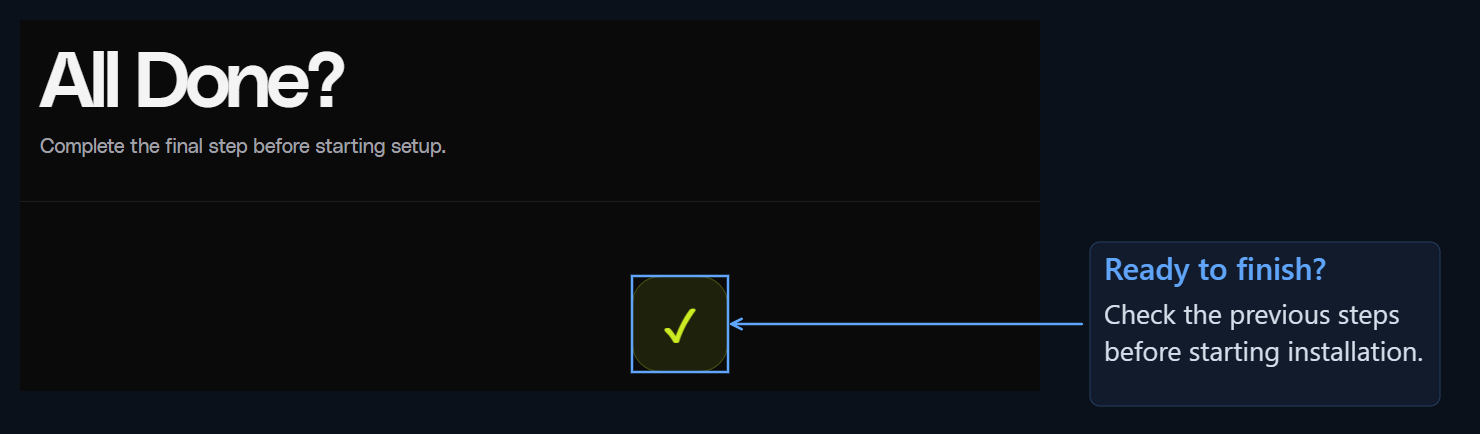
Review the information you entered. Use Previous step if you need to change anything.
English initial site setup — step 13
Select Complete setup. When installation finishes, you will be redirected to the administration panel.

After opening the administration panel

Follow Prepare your website for launch to finish the logo, theme, store and payment settings.