
 Home
 User Guide
 Developers
 Payment Gateways
 Integrations & Tools
 Site Usage
 Troubleshooting
Select the working area
Screen httpdocs opens in position. Select the space you will edit from folders in the middle. The current position of the roadbar on the top shows the directories you open the left partition.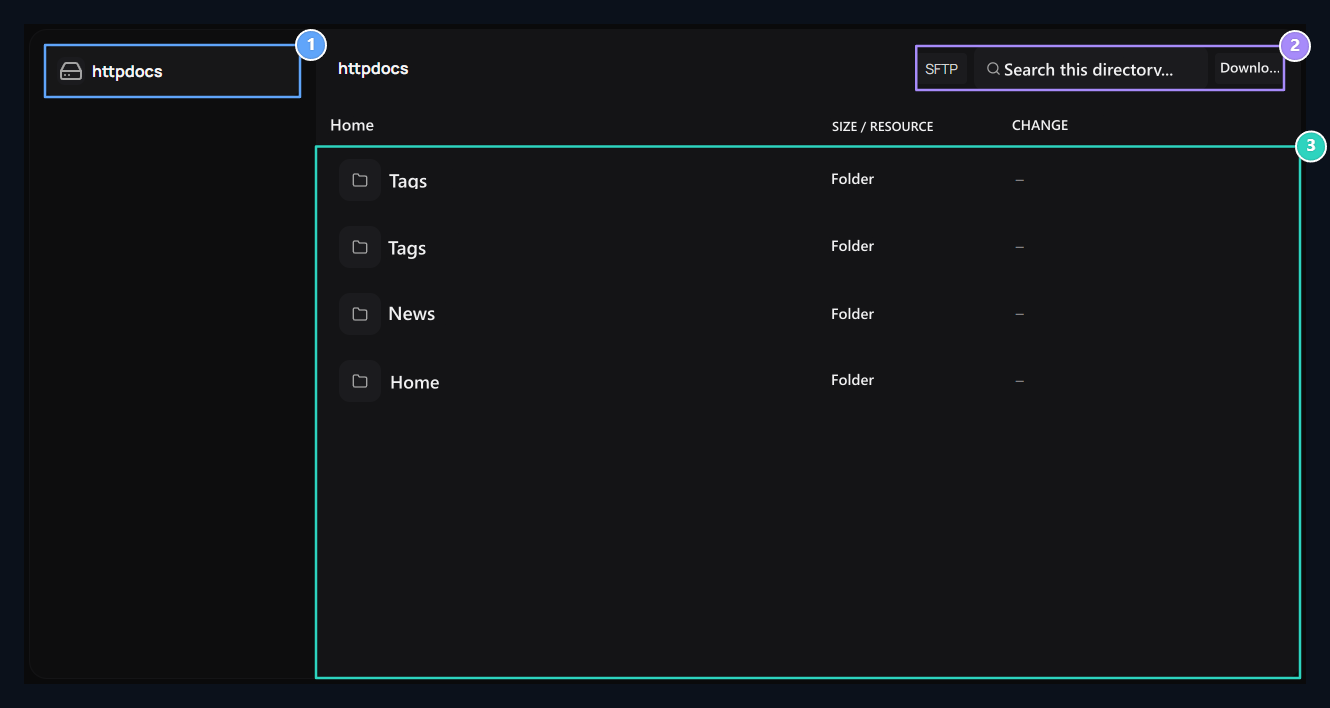
1. Directory history
Back with httpdocs on the left and folder names you open.
2. Search and export
Search on the current directory; open ZIP or SFTP tools if it is available on the server.
3. Working areas
Open the active theme, Themes, Admin and Languages folders here.
Find File
Enter the folder and open the corresponding sub-directory. Search type a part of the file name in the field. Search is unable to names in the current directory; does not make text search in all subfolders.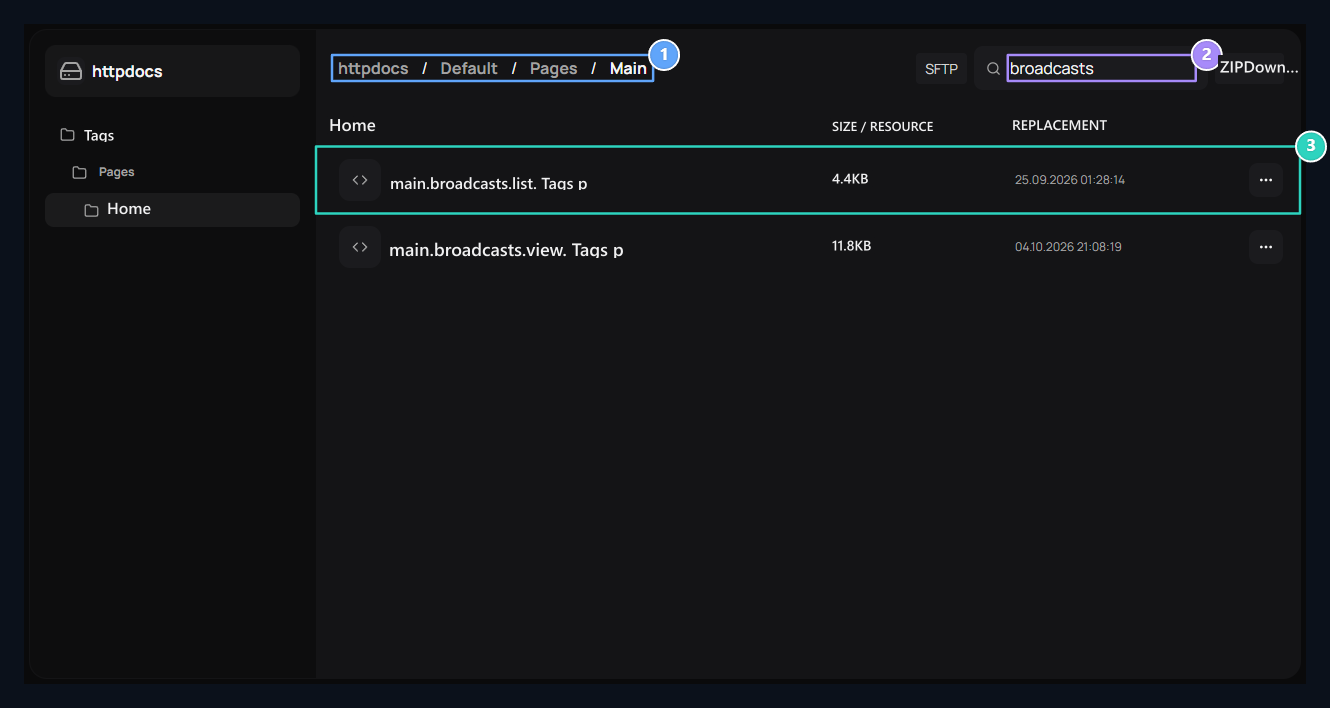
1. The location of the file
The upper road bar shows which in the folder.
2. Search in the current directory
Type a part of the file name. This search does not scan subfolders.
3. Open the file
Print on the file name; Open in three point menu and have ZIP options.
Edit and save code
Verify open file from the editor header. Change your change in the code field. Format code regulates the recessation; Full screen enlarge workspace. Line informationshows the number of lines of open content.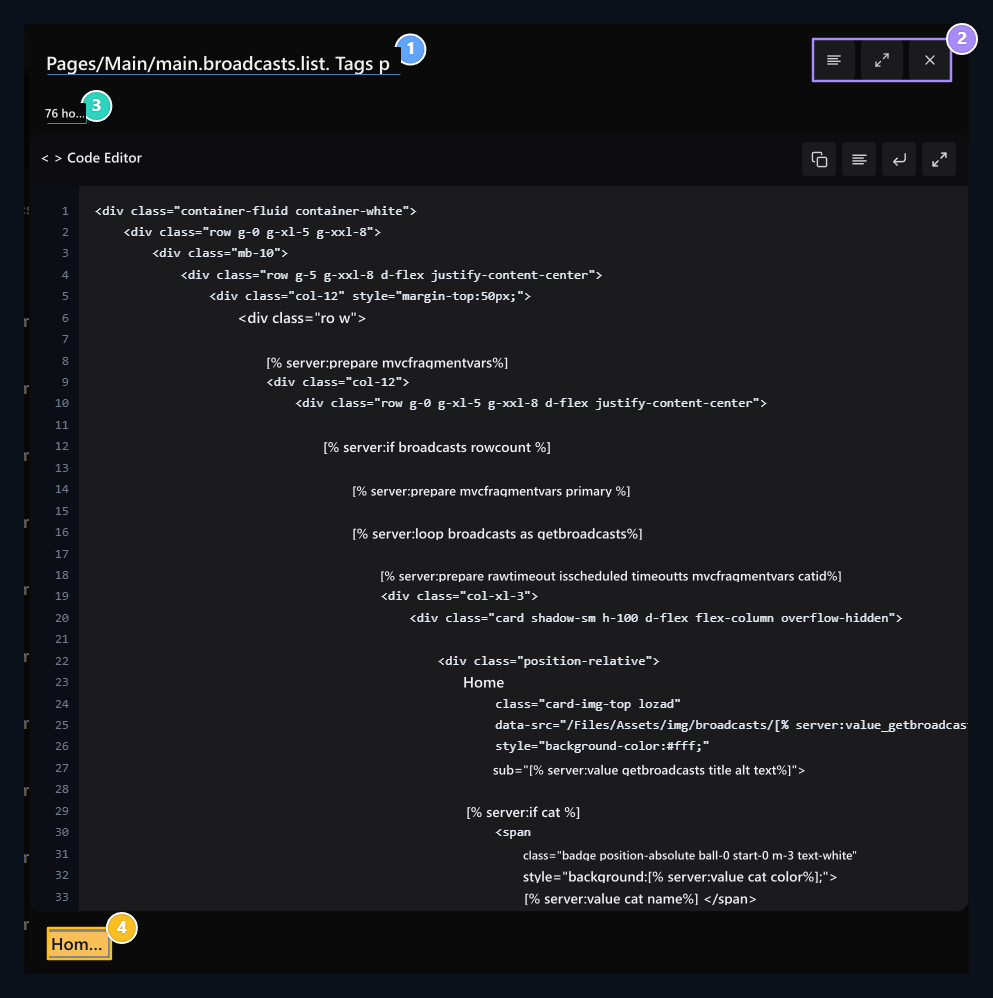
1. Open file
Verify file name before you start editing.
2. Editor tools
The code is formatted, open the full screen or close the editor.
3. Line information
Total number of lines in the file appears here.
4. Save
It saves code editing for this file.