Home
 User Guide
 Developers
 Payment Gateways
 Integrations & Tools
 Site Usage
 Troubleshooting
Connect to Minecraft server
To use skin sales with your game server SkinsRestorer link prepare. Install the plugin to your server; Match database and table prefix settings that will use the same skin store with Zonely.
SkinsRestorer installation guide
Complete the plugin installation, joint database and in-game skin connection step by step.
- Single skin
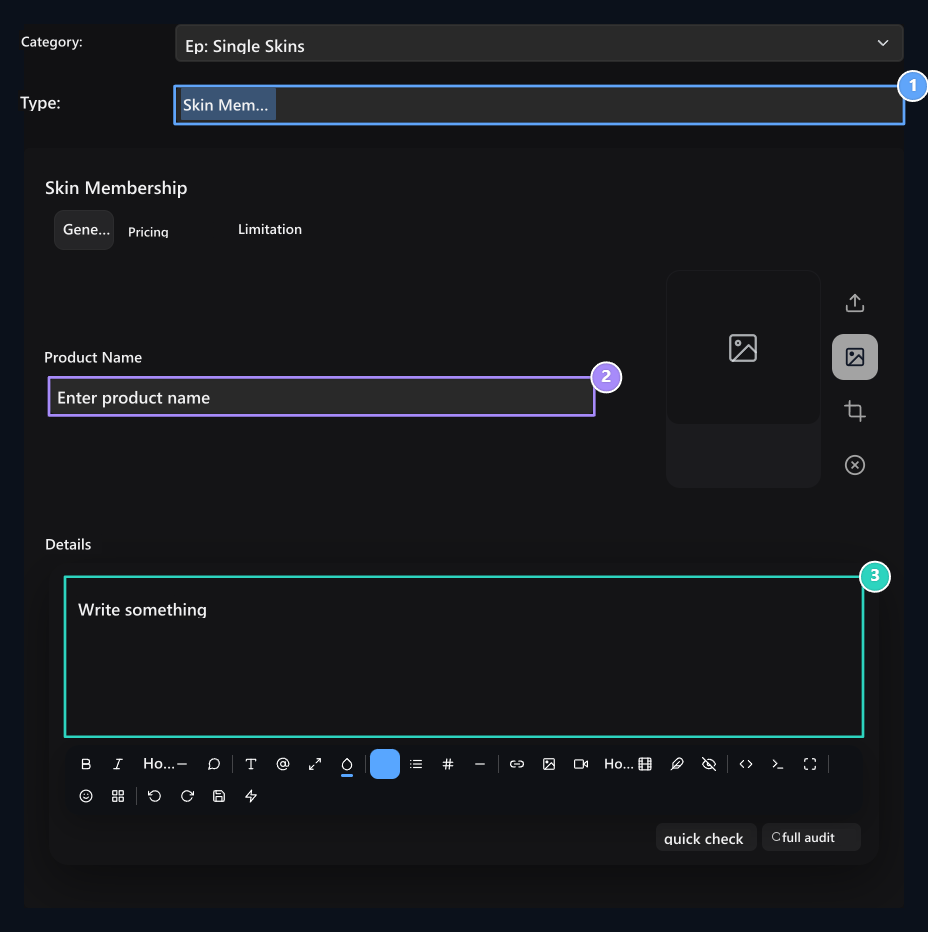
- Skin membership
Add skin
Product Name fill in the area. Skin Upload Type Select the method from the field:- Upload with File: Upload skin file. Recommended size 64×64 pixels.
- Upload by Player Name: Type the name of the player you want to get skin.
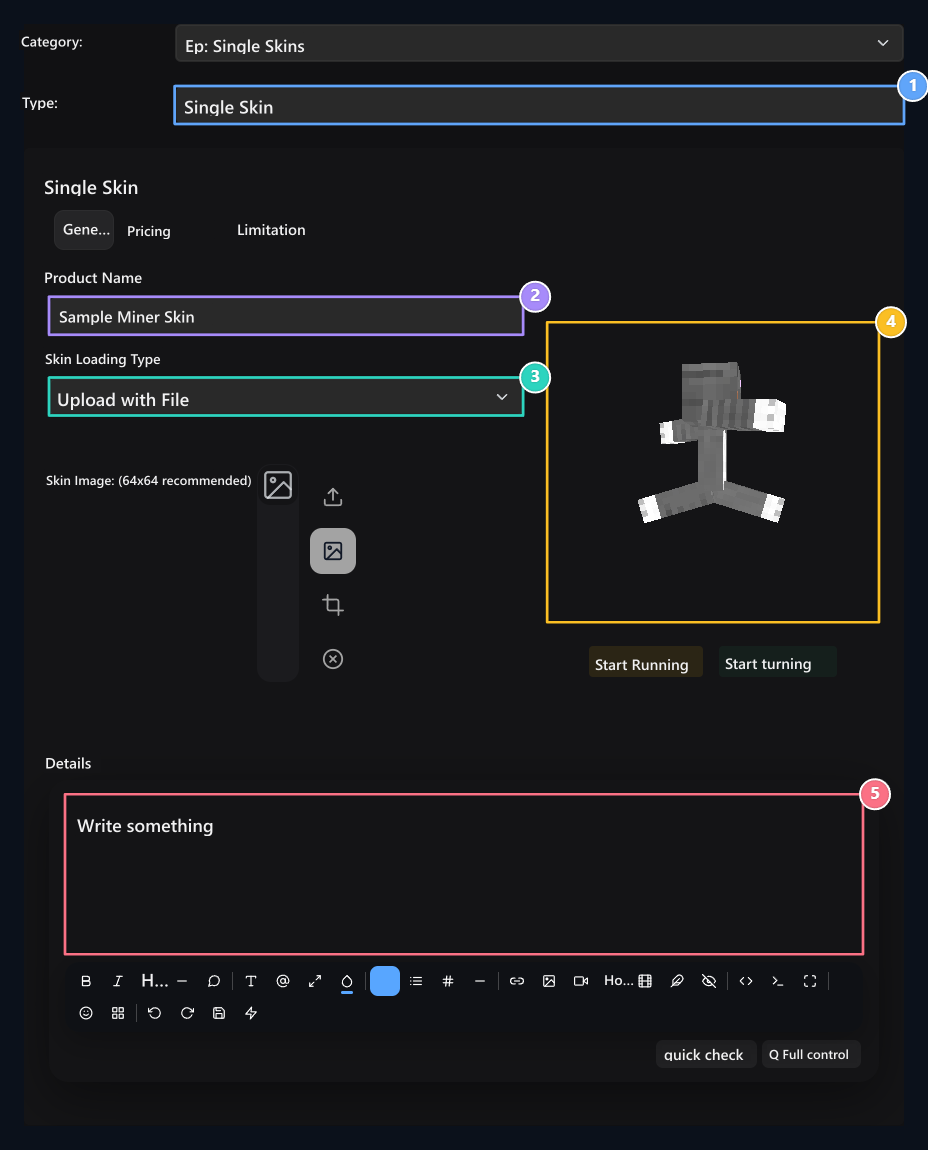
1. Product type
Select Single Skin.
2. Product name
Type the name on the skinin store.
3. Installation method
Upload files or get it by the player.
4. 3D preview
Check the skin’s look.
5. Details
Explain content and usage conditions.