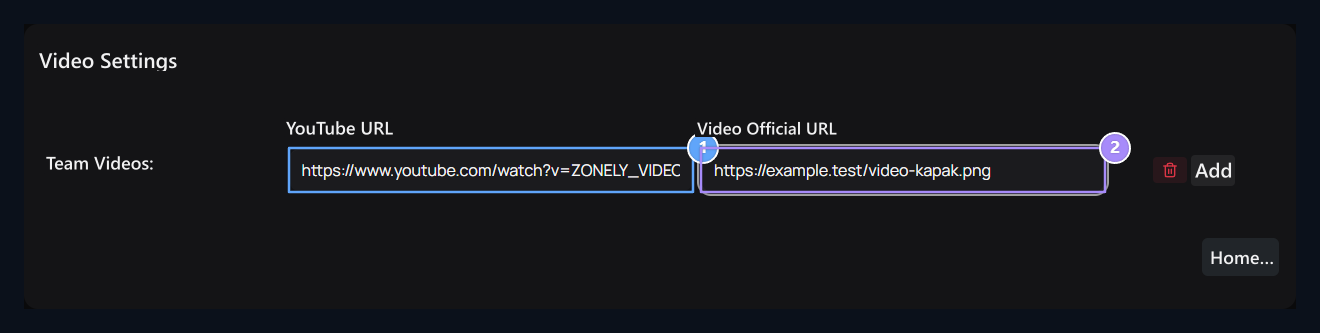
Add-ons → Uploaded On the tab Videos Find the record. Options → Layout open the way. Team Videos Prepare each video in the table with its own cover visual.

Fill the video line

Youtube URL, Video Official URL

1. Youtube URL

Connection of the corresponding YouTube video.

2. Video Official URL

The address of the cover image on the display of the same video.
Add open new line with. Keep video and cover on the same line; the wrong match can lead to the user to other content. The lifting button of the line alone makes it record.

Save list

Enter the addresses of your own videos and accessible caps Save Press the button. The cover area asks a URL; there is no file upload here. On the user side Videos open the space. Check the video matches with the cover and the link opens the right content. If a cover does not appear, check the video link on the video if the visual address is not turned into video.