
 Home
 User Guide
 Developers
 Payment Gateways
 Integrations & Tools
 Site Usage
 Troubleshooting
Fill out profile areas
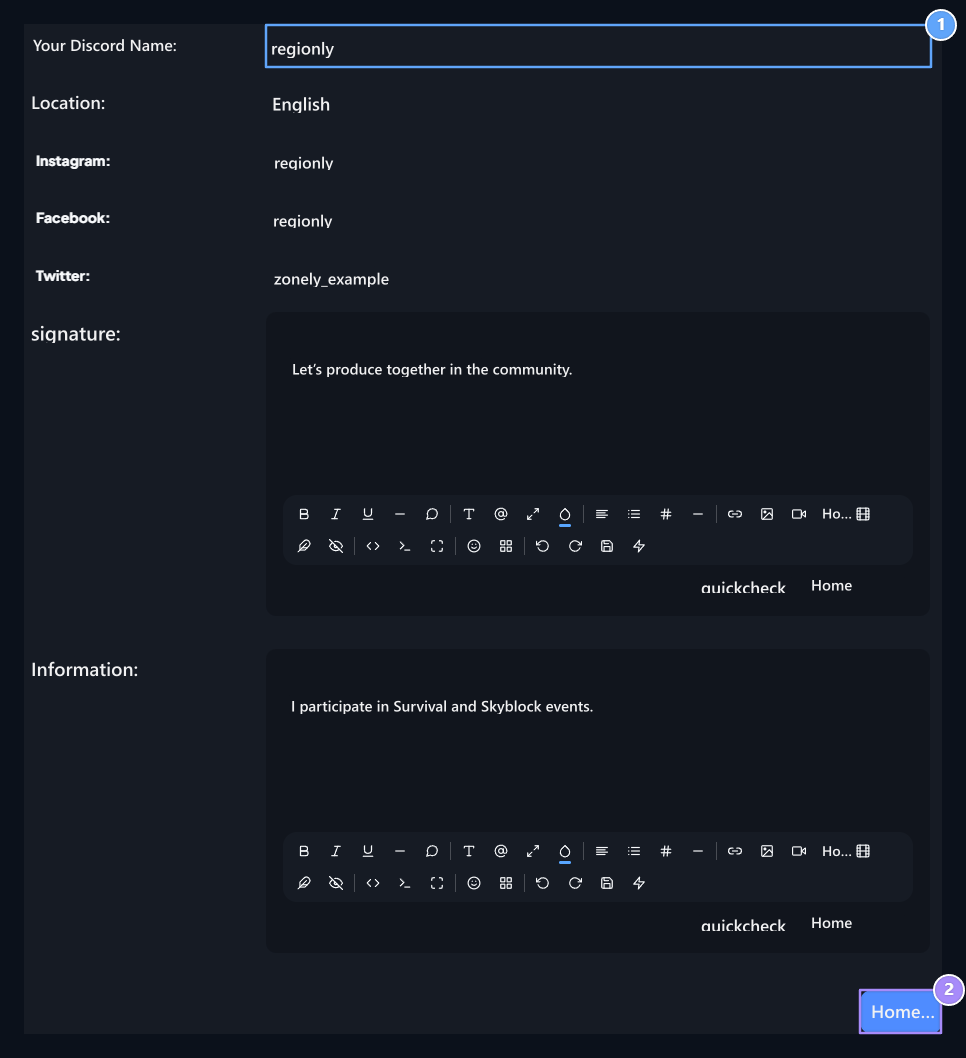
1. Social accounts
Write account information to show on the profile.
2. Save
Discord is a separate profile arrangement that matches the account.
Signature and Information You can use the formatting tools of the editor in the fields. Checking and controlling text and account information Save Press the button.