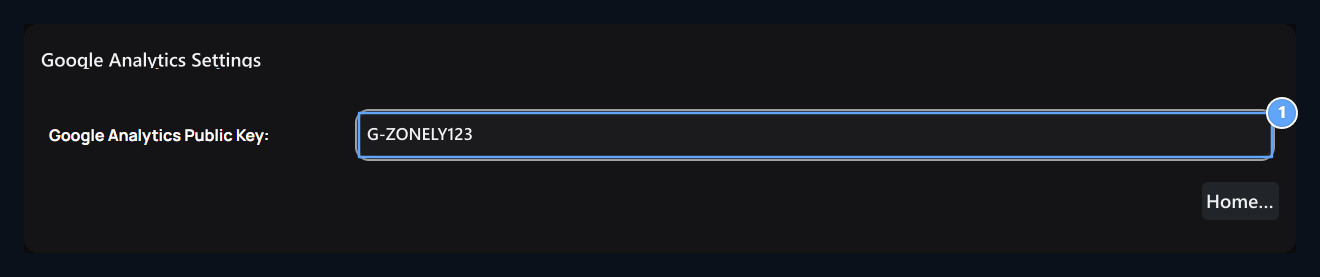
Add-ons → Uploaded On the tab Google Analytics Find the record. Options → Layout open the way. Save the measurement ID of your site on this screen.

Create analytics account and web data stream

Create a property belonging to your site in Google Analytics. Manager → Data collection and replacement → Data streams From web open the flow and enter your site address. Flow details Measurement ID starting with G- Get. Google’s resmî installation description →

Video

You can watch Google Analytics’s resmî video to create web data stream in the first part of the video. More than the video tells the installation of Google Tag Manager; in Zonely, the following Public Key Simply save the measurement ID in the field.

Enter the measurement ID

Google Analytics Public Key

1. Google Analytics Public Key

ID of web data flow in your analytics account.
Get the identity of the web data flow you use for this site in your analytics account. Google Analytics Public Key writing ID in the field Save Press the button. The value in the visual is the example; use the identity of your own site. This area is for a single ID. Do not paste all or HTML code of tracking script here. Compare the identity with the site you choose to not send data to the wrong stream.

Check data development

After you log in and browse your site between pages. Check out the data flow on the Sonucu Analytics account. No visitor report or live counter on this setting screen. Check the recorded ID, corresponding data flow and your site’s measurement preferences if data does not appear. For visitor’s cookie choices Cookie Consent See guide.