Addons On screen Mail Verification Activate the record. The user account completes the verification of the address via the personal link sent by email.

Open the verification email

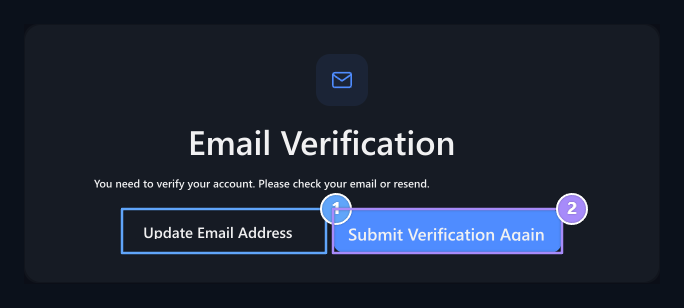
Update Your Email Address, Re-Send

1. Update Your Email Address

Fix the wrong or old address.

2. Re-Send

Requires the verification email.
Email Verification It is desirable to check the box from the user on the screen. By opening the link sent for your own account, you complete the verification. Send ReverificationIf you want a new post, it does not mean that the press of this button is verified by the address. Check the unnecessary mail folder with the box that comes out if the message has not come. See that the entered address is correct before requesting re-posting.

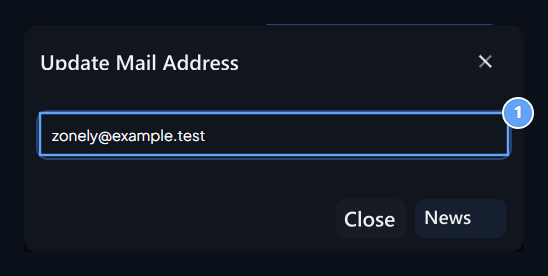
Fix address

Email address

1. Email address

Enter your own address you can access.
Update Email Address Open the window with the button. Enter your own address and access your address Update Press the button. Use the link in the box from the new address for the next verification. Executive side Mail connection should be ready. The opening of the plugin does not automatically connect the sender account. For the user who has no addresses in the account Mail Determination Confirmation Check the step.