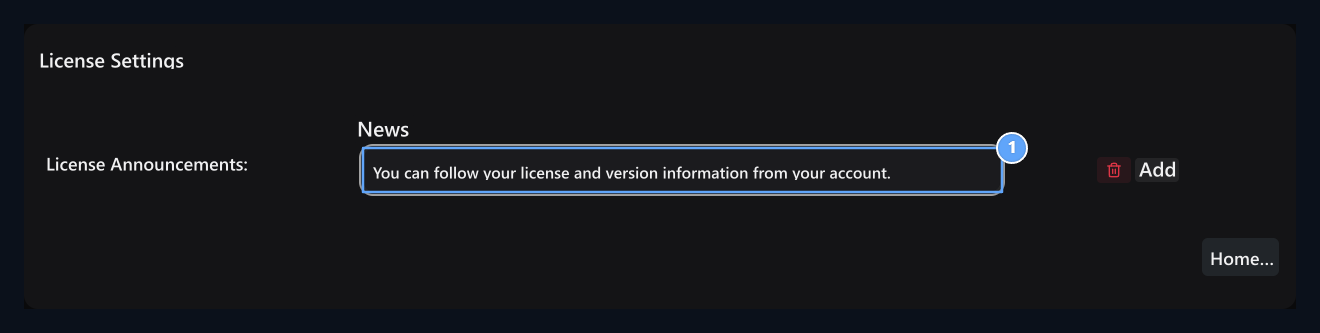
Add-ons → Tools in section Digital Marketing Find the record. Options → Layout with License Settings open the screen.

Market your digital products

Digital Marketingused for stores selling software, theme, add-on and downloadable content. Your digital products prepare; version and files Updates Manage from the section. License control required products Product license verification you can also use the flow.

Prepare a list of announcements

License Announcements

1. License Announcements

Each line is a separate announcement message.
License Announcements Each line in the table is a separate message. Write content to the user in the message field. Add opens a new line; the lifting button only removes the corresponding message. For example, you can add a notification or support announcement about the license usage. Checking and controlling messages Save Press the button. Add line or remove the last registration step does not replace.

Other license operations

This screen edits the list of announcements. To add license control into the product, to prepare API connection and product/IP mapping Product license verification Use the guide. Domain name and installation operations of Zonely subscription My Licensespersonal domain name/IP information of the purchased digital product Updates is in the guide.