
 Home
 User Guide
 Developers
 Payment Gateways
 Integrations & Tools
 Site Usage
 Troubleshooting
Prepare information resources
Assistant Tools Add product conditions, help texts and support hours to the part. Update the resources when the information changes. For example, if the duration of the packages has changed, edit the text that the assistant will use accordingly. The plugin log manages the availability of the support assistant. A separate model or API key form does not open; you will prepare information sources through Assistant Tools.Sends user questions
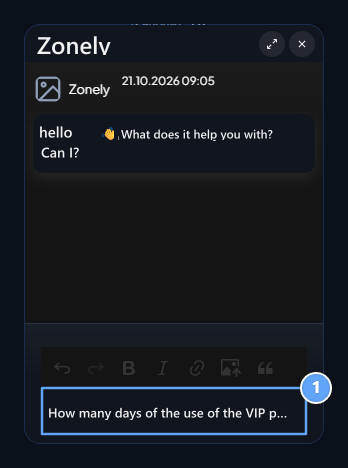
1. Write the question
Product conditions in your information sources may be asked.