
 Home
 User Guide
 Developers
 Payment Gateways
 Integrations & Tools
 Site Usage
 Troubleshooting
Joint Structure: Zonely’s main role system and SkinsRestorer tables are in common structure, so there is an optimized system without extra table cost or a relay server. The player is reflected in the role and authority defined from the site when entering the server directly into the game.
Prepare common storage
LuckPerms link complete. Database and game server database zonely_perms_ Use table prefix.Create VIP role
Users → Roller → Role Insert open the way. Type role name and Game Authorization → Authorization Permissions field group.vip add. Same name on LuckPerms side VIP group must be. Role of in-site permissions Permits Select from the tab.Select the time
Duration For permanent authorization on the tab Unlimitedfor authorization with the end Limited Select. Enter the time in limited role; for example 30d thirty days, 10m means ten minutes. Save with the Rolu.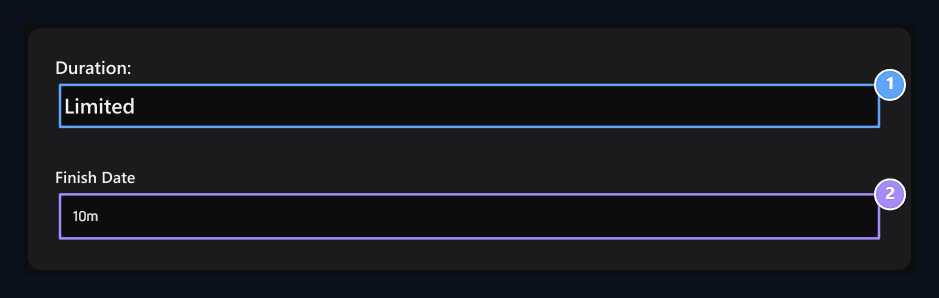
1. Time type
Select limited or unlimited roles.
2. Role time
Enter the time for limited authorization.
Connect to the user or the product
- User appointment
- Sort by product
Roller → Role Ver Select the user and the role you prepare on the screen. Give Complete the assignment with the button.