
 Home
 User Guide
 Developers
 Payment Gateways
 Integrations & Tools
 Site Usage
 Troubleshooting

Get Provider information
Open your app at Square Developer Console. Credentials Select the environment in the section and Access token Get the value. Location location in the same environment Location Copy the information.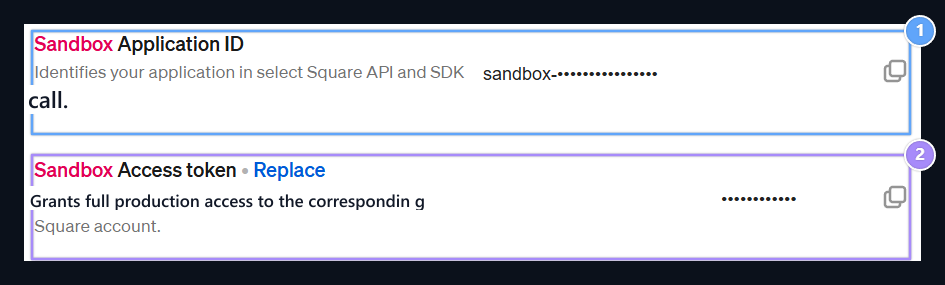
1. Application ID
Application ID. Access token is entered instead of Zonely Access Switch.
2. Access token
Get from the copying icon; enter Zonely Access Switch field.
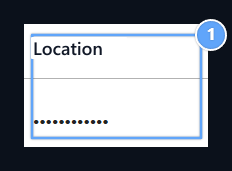
1. Location ID
Enter the value of the relevant location in this column Zonely Location ID area.
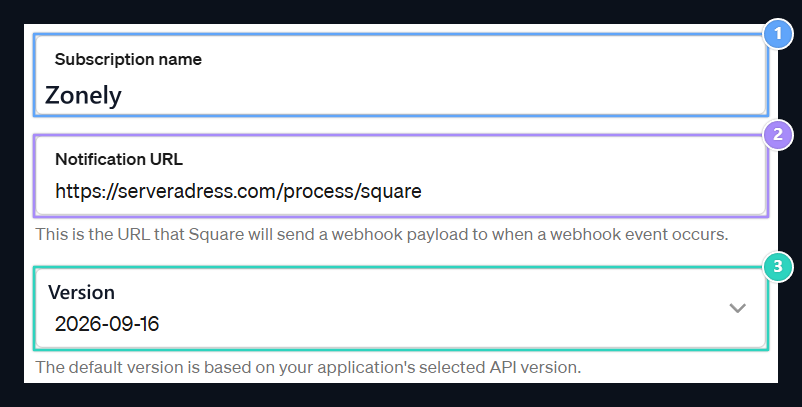
1. Subscription name
Write a name you will know as Zonely.
2. Notification URL
Enter all Zonely Callback URL address.
3. API version
Select the API version that your receiver supports.
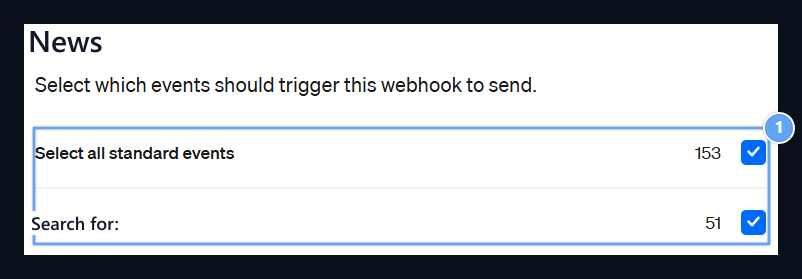
1. Events
Select your recipient’s notification events.
Prepare Zonely record
Management panel Store → Payment Methods open the part. Add Payment Method prepare new registration with; Title type the name to show the user to the field. From the infrastructure list Hotel Select.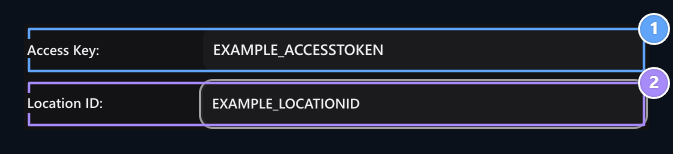
1. Access Switch
Enter the Access Key information on the same provider account.
2. Location ID
Enter the Location ID information on the same provider account.