
Mollie logo Prepare the payment link with Standard API key for the site profile.

Prepare account details

In Mollie Developers → API Keys open the part. For the relevant site profile Standard API Key Create or get the existing key. Make test and Live selection according to the same profile. Standard API Key
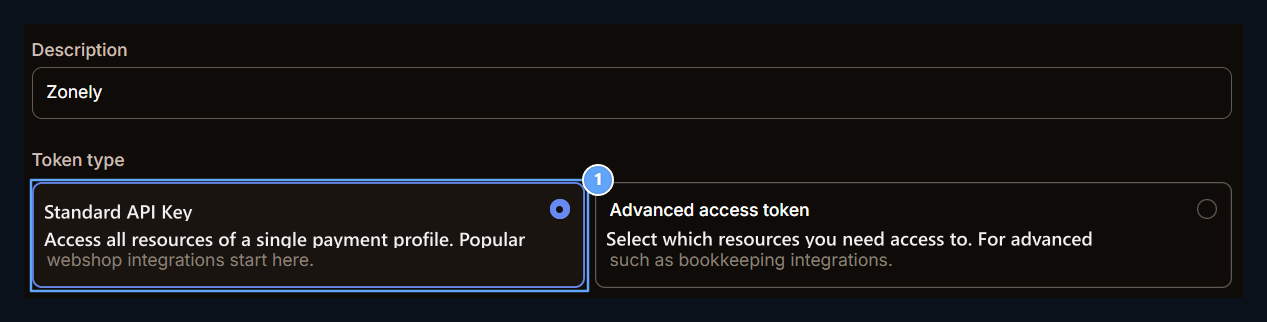
1. Standard API key

Select Standard API key in the token type section.
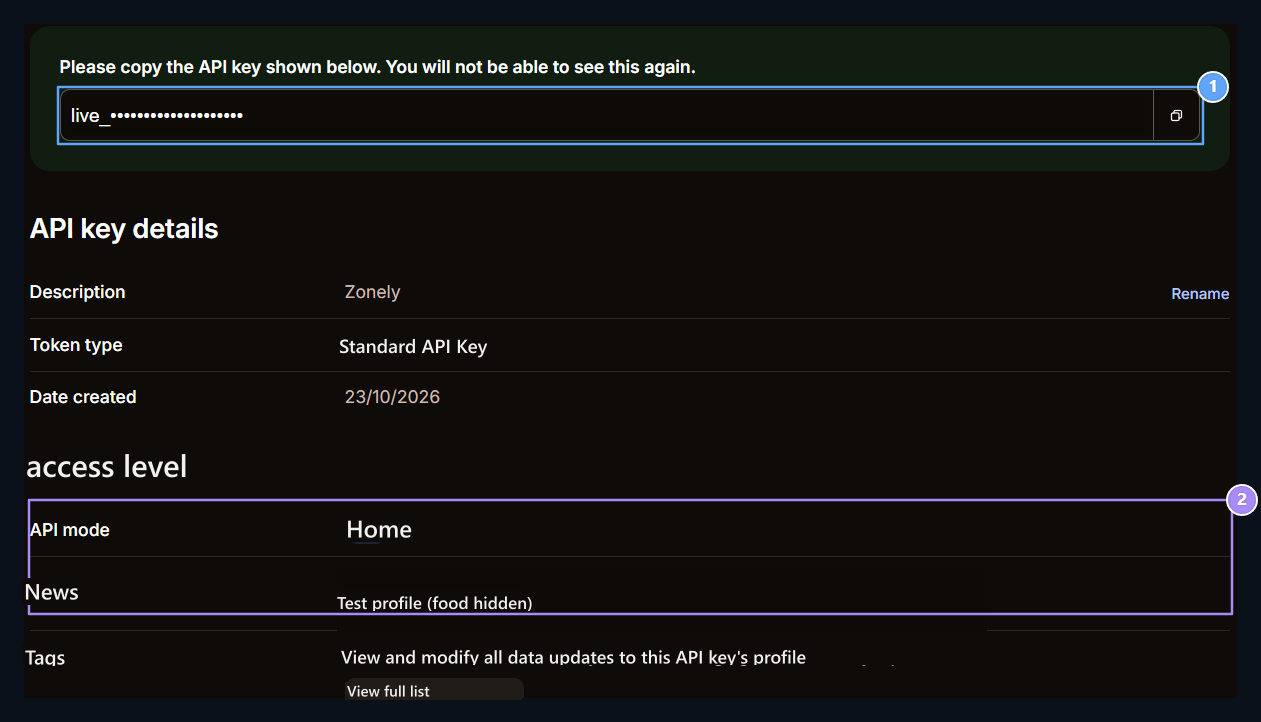
API Key, Live and Profile

1. API key

Enter your key in Zonely API Key field.

2. Live and profile

Select the API mode and the connected profile you will use.

Create a payment record

Management panel Store → Payment Methods open the part. Add Payment Method prepare new registration with; Title type the name to show the user to the field. From the infrastructure list Mollie Select and fill in the following information.

Notification and environment settings

When payment is created in this flow webhookUrl and redirect is transmitted as separate information. You don’t need to produce a webhook secret in Mollie panel. Update Zonely record when you change the test or Live key. You can see Callback URL information by opening the registration with the reorder.

Payment tracking

Transaction number, amount and payment status Store → Payments Follow the section. Zonely registration should show the same operation with the provider registration. Check the product delivery from the order. Mollie document · Payment records and history · Payment methods