
 Home
 User Guide
 Developers
 Payment Gateways
 Integrations & Tools
 Site Usage
 Troubleshooting
Open category
From the top menu Store Enter the section. List products by pressing the corresponding category card.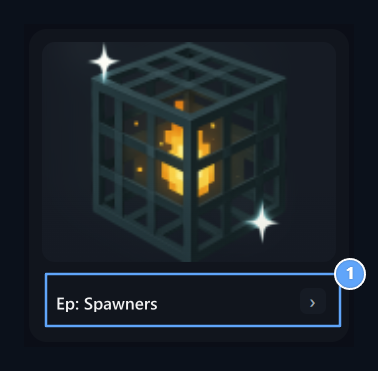
1. Category
View products in this category.
Select product
Check the price and name on the product card. Select quantity from the quantity area. If there is a variant or additional option in the product, choose them before the purchase step.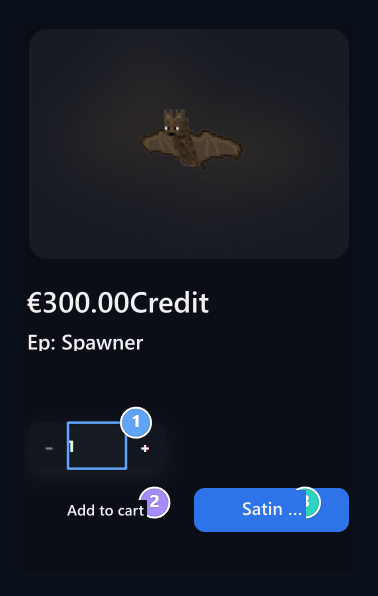
1. Quantity
Select the desired product.
2. Add to cart
Get the product you choose from in the basket.
3. Buy
Take this product to the purchase step.