
The appearance button of the site is switched between the light and dark color scheme. The main links on the phone screen are collected under the menu button.

Change view

Press the moon or sunny iconed view button in the upper section. The page passes to the color scheme you choose. You can change the appearance with the same button.
Change view

1. Change view

Switch between open and dark appearance.

Open the phone menu

Top section on Dar screen menu button press. Select store or community section from the links that are opened. Open Menu
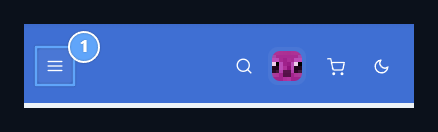
1. Open Menu

Open main links in phone view.
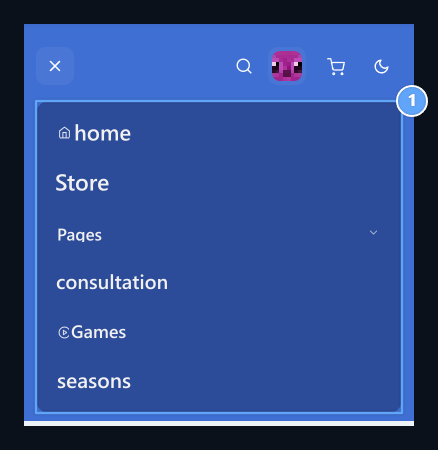
Site partitions

1. Site partitions

Select one of the stores and community connections.
Profile, search and basket options are used from the icons in the upper section. You can slide it in the table for other columns in large processing tables.

Language and currency

Select the value you prefer if language and currency options are offered in the bottom of the site are presented. Language selection change interface texts, currency selection, supported amount.

Settings for manager

Overview of the site Themespage layout Page Builder managed from the section. The user’s open/definition choice is used separately from these management steps. Site usage
