
The home shows up-to-date announcements of the site and the featured content. You can pass to other sections from the top menu, open details from content cards.

Open Announcement

Your interest announcement card Read More Press the button. You can read the images, descriptions and links if all the text is opened. Read More
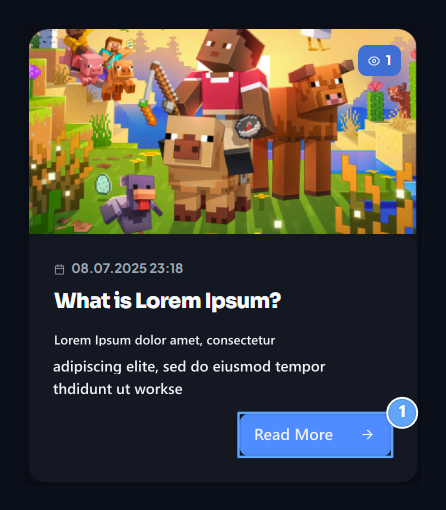
1. Read More

Open the full list of announcements.

Go to the relevant section

  • Store: Opens product categories and options for purchasing.
  • Pages: Announcements and help center reach additional sections.
  • Consultation: Shows community topics.
  • Seasons: It opens the rankings of active and previous seasons.
The slider, target and widgets that the site owner add may appear in different queues on the home page. Switch to the content related to using button or connection on the card.

Get in your account

After logging in, open the profile menu. Credit balance, order and support transactions Profile in the section. If you are using the phone, open links with the menu button on the top section.

Settings for manager

To edit the main content of the home Widgets, Sliders and Announcements Use guides. Site usage · Store